

Knapsack Problem in C and C++: 0/1 Dynamic Programming, Item Recovery and the Fractional Variant
0/1 knapsack in C and C++: the DP recurrence, item recovery, why greedy and an upward loop give wrong answers, and the fractional variant, all tested.
0/1 knapsack in C and C++: the DP recurrence, item recovery, why greedy and an upward loop give wrong answers, and the fractional variant, all tested.

The difference between malloc and calloc in C, with measured costs, realloc and free, four heap bugs caught by sanitizers, and C++ new and delete.
ONNX Runtime from Python beat LibTorch from C++. Four runtimes measured, and what the C++ advantage in ML inference actually consists of.
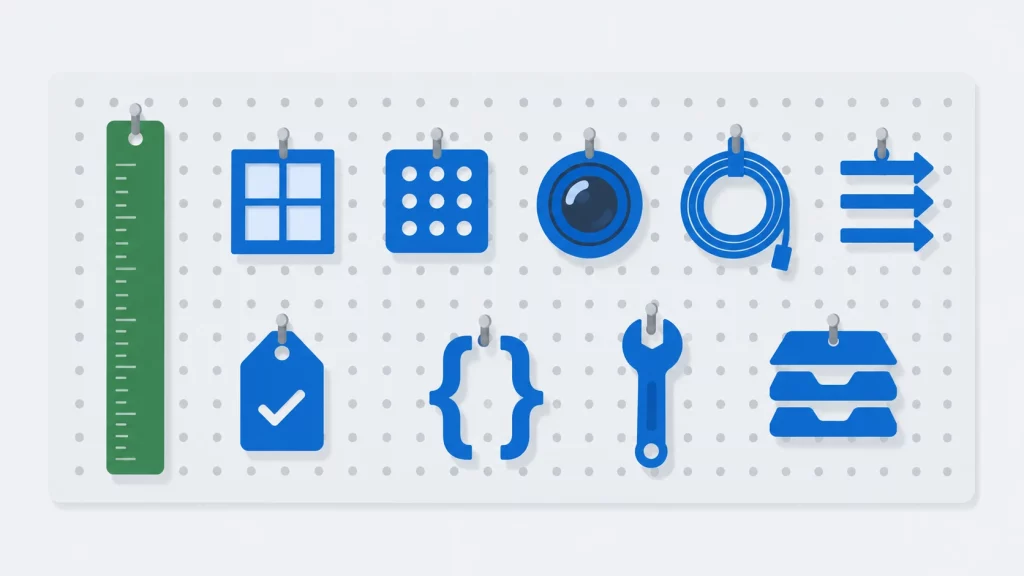
The standard library, Boost, Qt, Eigen, libcurl, oneTBB, OpenCV, Catch2, POCO and {fmt}: one tested program each, and what each costs to build.

The first, and perhaps most important, is to understand game engines. These development tools are becoming increasingly indispensable in the creation of modern-day digital games and they’re not going unnoticed by players. Today’s gamers are just as clued up on the tech that underpins their favorite titles as they are the content of the game itself — during the build up to the release of the CS:GO sequel one of the most frequent topics of discussion was what engine is CS2 on.

Although there are good tools that one can use to process and convert large and complex XML data like a converter from Sonra, there are quite a few libraries that can help in processing some simple XML over C++.
Discover the enduring relevance of C++ in modern programming. From its origins in C to advanced features like smart pointers and lambda expressions, C++ continues to power high-performance software, game development, and system programming worldwide.

C++23 is the production-ready C++ standard: std::print, std::expected, deducing this and completed ranges — every feature explained with tested code.
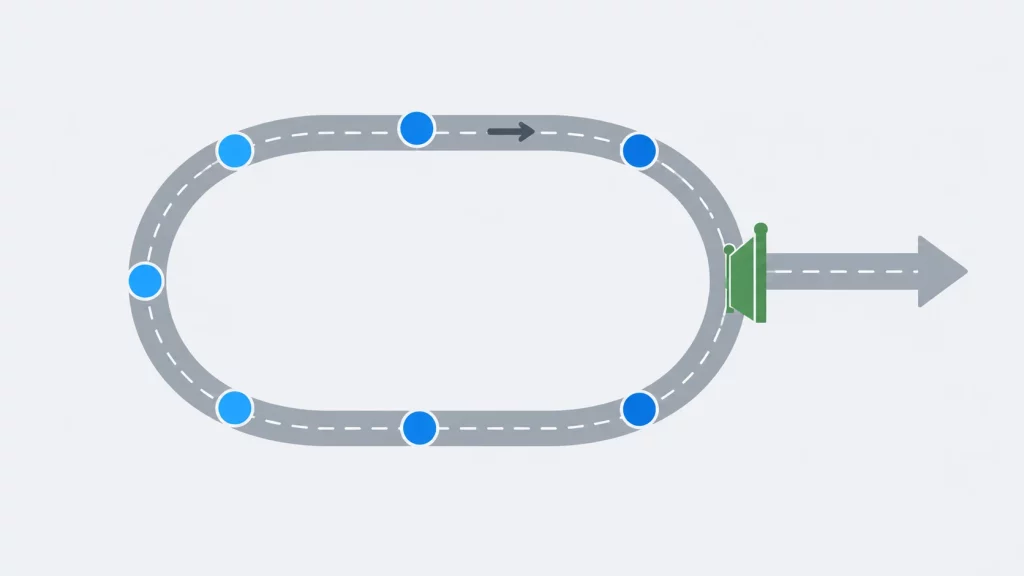
How for, while and do-while loops work in C, when to use each, how to leave nested loops, and the loop bugs compilers do not catch.
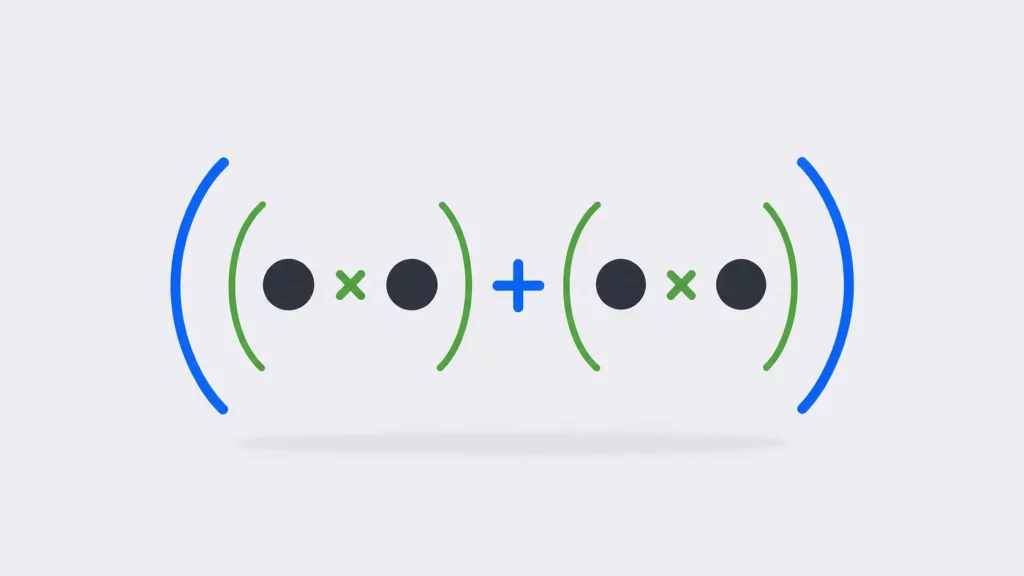
Arithmetic to bitwise, with the complete precedence table and the conversion rules that quietly change your operands before the operation runs.

The same four members reordered went from 24 bytes to 16. A guide to struct syntax, what the compiler does with your layout, and why memcmp lies.
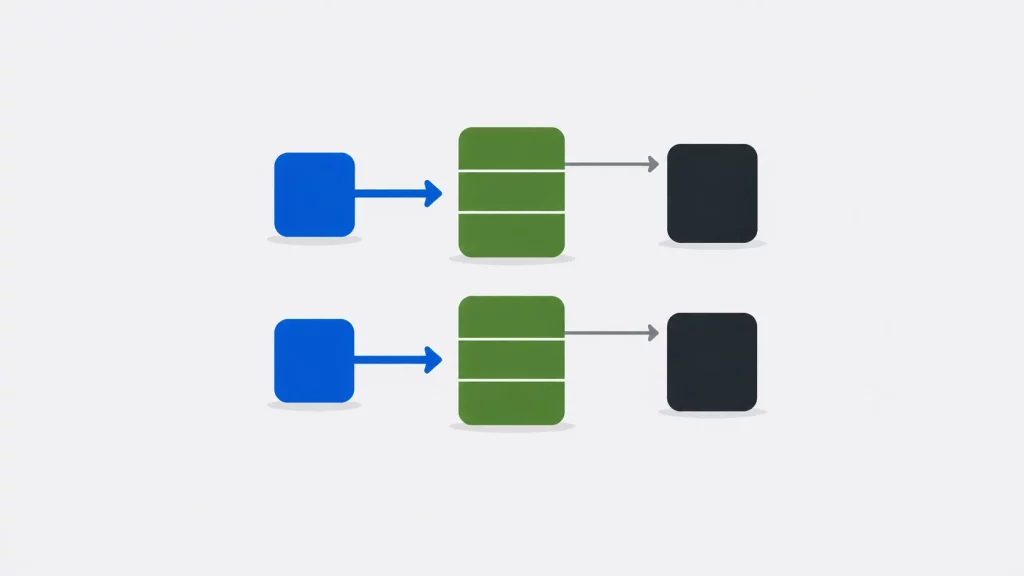
One virtual function grew a class from 4 bytes to 16. Three kept it at 16. What vtables cost, measured, plus the destructor rule nobody mentions.