
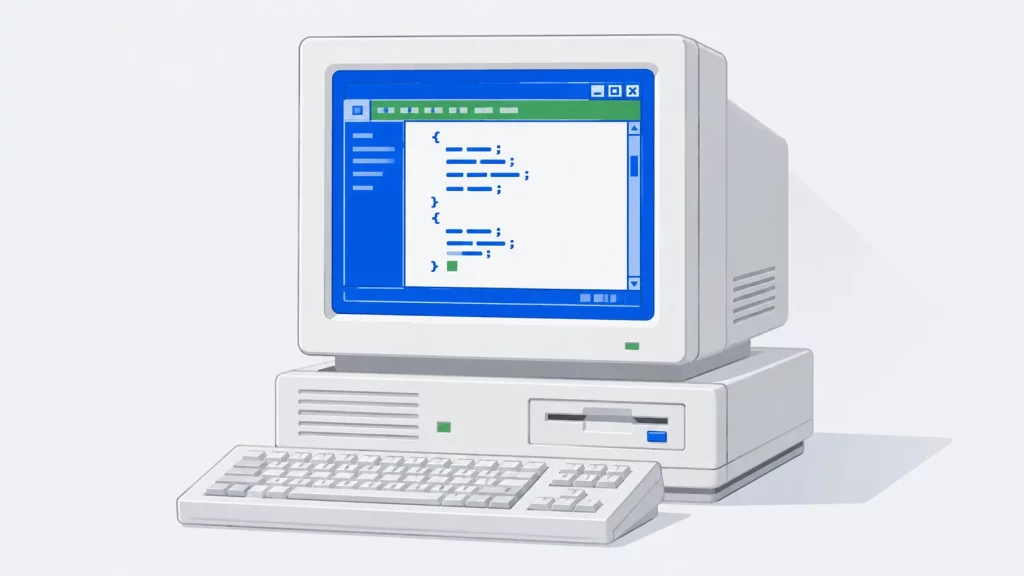
Turbo C Compiler — What It Is and How to Run It on Windows 10/11
Turbo C defined how a generation learned to code, and it still runs on modern Windows. Here’s its history and how to set it up on Windows 10 and 11 with DOSBox.
The tools you use shape how efficiently you work and how deeply you understand what you are building. A well-chosen compiler surfaces warnings that save hours of debugging. A good static analysis tool catches security vulnerabilities before they reach production. The right library eliminates weeks of implementation work. Understanding which tools are available, what they do well and when to use them is practical knowledge that makes every programmer more productive.
MYCPLUS has been publishing developer tool guides, compiler reviews and library overviews since 2004, building a practical tools resource for C, C++ and broader programming development. With over 25 articles covering compilers, IDEs, static code analysis tools, programming libraries, utilities and productivity tools — this section gives developers the practical tool knowledge they need to build better development environments and workflows.
You will find in-depth guides to C and C++ compilers, overviews of key programming libraries including algorithm libraries and STL resources, honest comparisons of static code analysis tools and reviews of the developer utilities that experienced programmers recommend. Whether you are setting up your first C++ development environment or evaluating enterprise-grade analysis tools for your team — this section helps you choose and use the right tools for the job.
The best tools complement great learning — browse our Programming Books section for the recommended reading that gives you the deep knowledge to use these tools effectively. Explore Best Practices guides for how code analysis and quality tools fit into professional development workflows.
Trusted by developers and programmers since 2004 — the MYCPLUS Developer Tools section gives programmers honest, experience-backed guides to the compilers, libraries, analysis tools and development utilities that help professional C, C++ and software developers work more effectively every day.
Turbo C defined how a generation learned to code, and it still runs on modern Windows. Here’s its history and how to set it up on Windows 10 and 11 with DOSBox.
Web Hosting Choice Finding a good web host is quite a hectic job these days as there are millions of

Choosing the right backup software is crucial as it is your important files and data you’re protecting. It should have the features that you need as well, to get your money’s worth. Yet, it can be so hard to choose a backup software with so many options to choose from in the market. To help you find the best one for you, here are some questions you should ask.
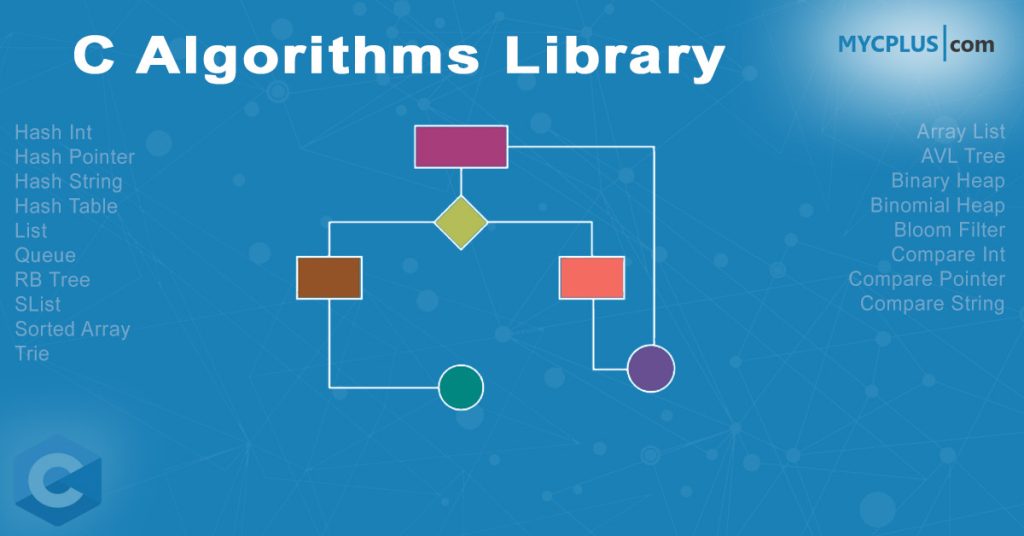
This is implementation of Bayer-Trees, which are normally used for indices of data bases. These routines provide all stuff that is needed to create and destroy; insert, update and delete; load and destroy; search and traverse; check a tree. Sort huge amounts of data by doing a multi-phase sorting on temporary files.
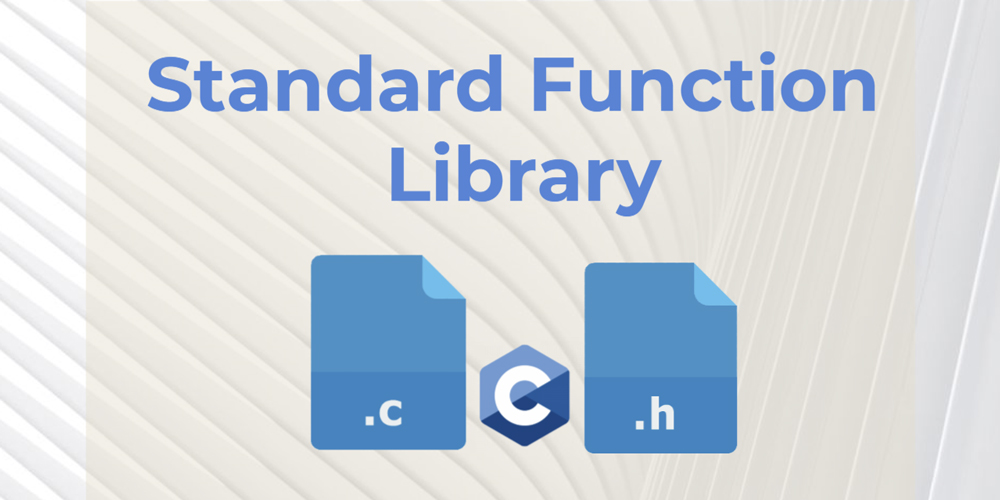
The SFL (Standard Function Library) is an open source portable function library for C/C++ programs. Written by iMatix, the SFL provides about 450 functions for compression, encryption, encoding, datatype conversion and formatting, dates, times, calendars, internet programming (MIME, CGI) and many more.
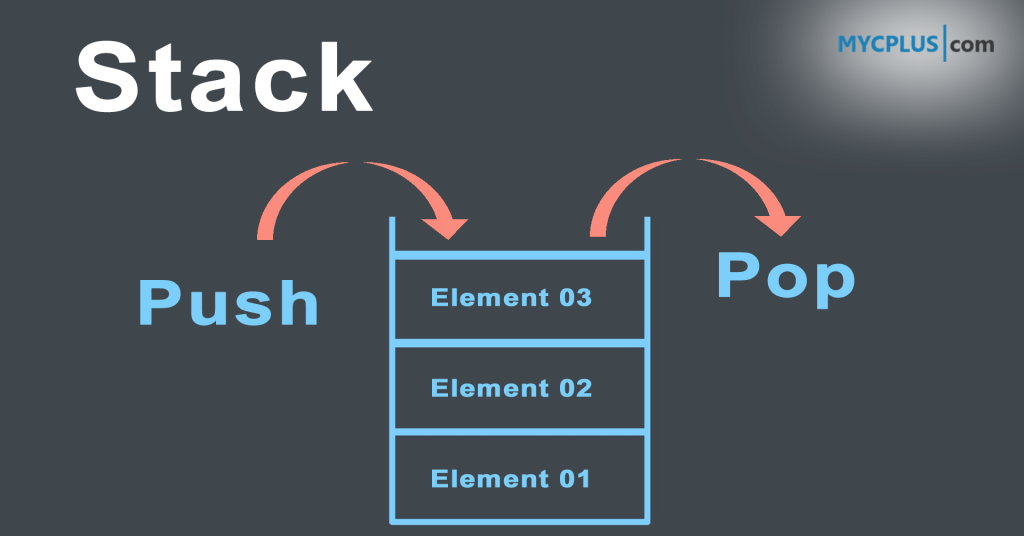
This is a C program that simulates stack operations graphically and in text mode. The program uses linked list to
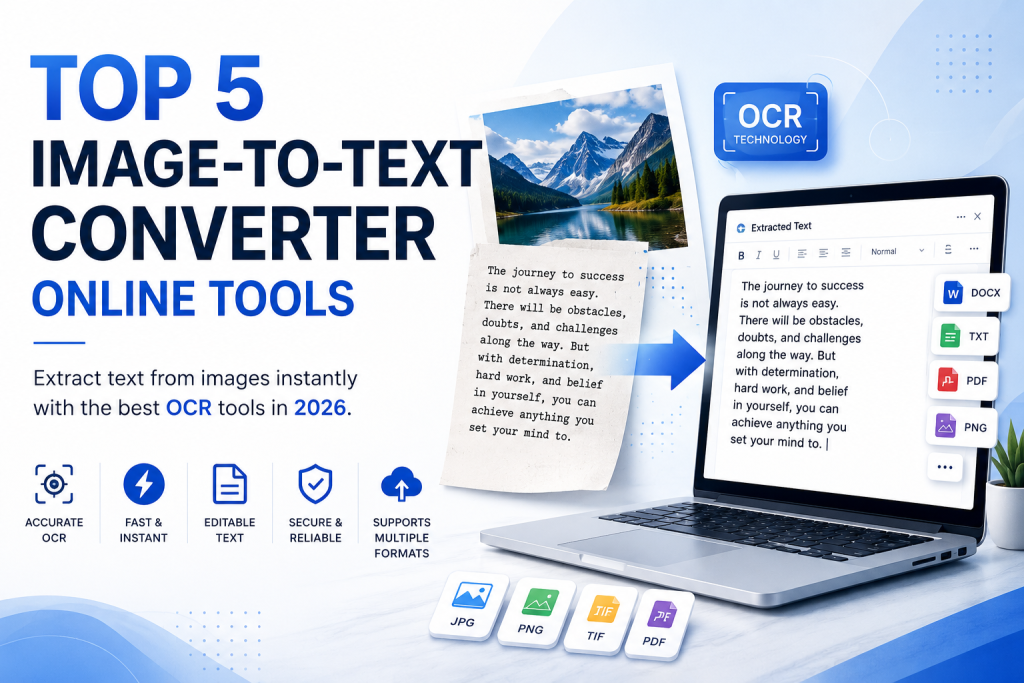
Do you share the desire to translate images into words? So you’ve come to the right place, then. We will talk about online image-to-text converter tools in this article that you can use in 2023. For bloggers and marketers, manually converting text into images is a laborious and challenging process.

Defects and bugs are almost impossible to avoid in the software development process. Even with the best manual testing processes, they may slip through undetected and reappear after product release. This may hamper the quality and user experience of your product. Test automation offers a more effective way to identify and resolve bugs or errors before they become more significant issues later down the software life cycle.
PVS-Studio is a commercial static code analyzer developed by PVS-Studio LLC. It is designed to help software developers detect errors and potential vulnerabilities in their code by analyzing it without actually running it. The tool supports several programming languages: C, C++, C#, and Java. This makes it a versatile option for teams working on projects with different language requirements.
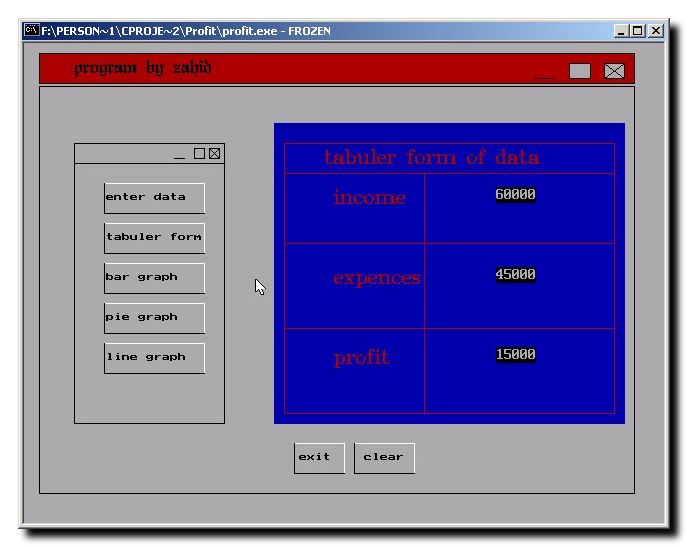
This is a small utility written in C Programming Language to calculate the net income by checking a person’s salary and monthly expenses. On the basis of this information it calculates the loss or profit. It has a nice graphical User Interface with different formats to show the information i.e. Pie Chart: Shows the information in Pie chart with different colors for salary, expenses and net income. Tabular: Show all the information in tabular form. Bar Graph: Shows the information in Bar Graph with different colors for salary, expenses and net income.
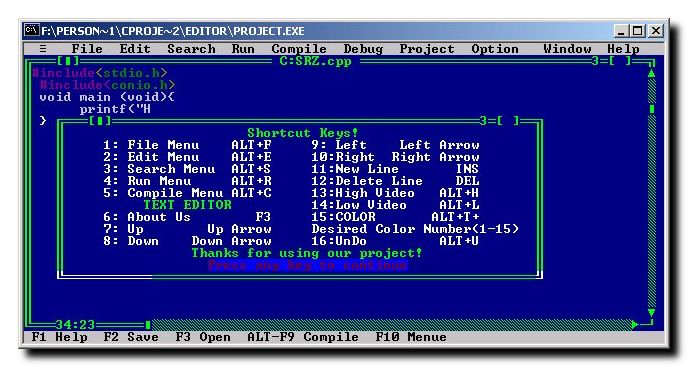
This program is written in pure C programming language. The interface of the C program is just like Turbo C/C++ compiler like interface, and it also provides some dialog boxes same like the Turbo C/C++ compiler. It has menus just like C/C++ compiler, text formatting options and also provides options to change font color.
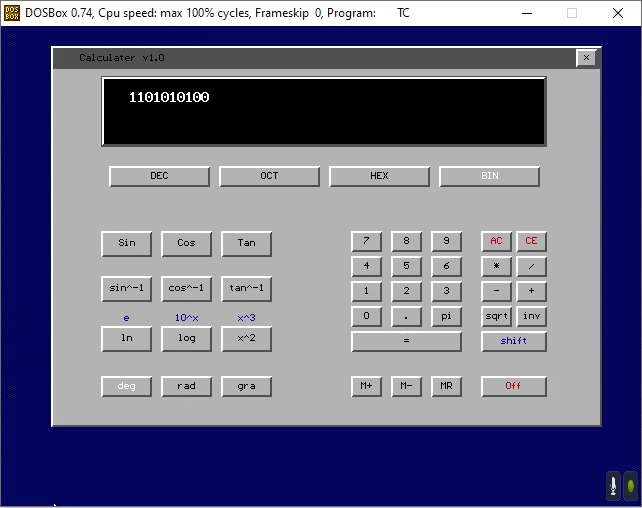
This graphical scientific calculator purely written in C programming language. It uses small functions to draw buttons on the screen and perform scientific operations like conversion, logarithm, and other operations. Every operation can be performed using the mouse buttons as well as keyboard. It can perform almost all the functions shown on the screen except few functions which will be implemented in the next version of this calculator code.