
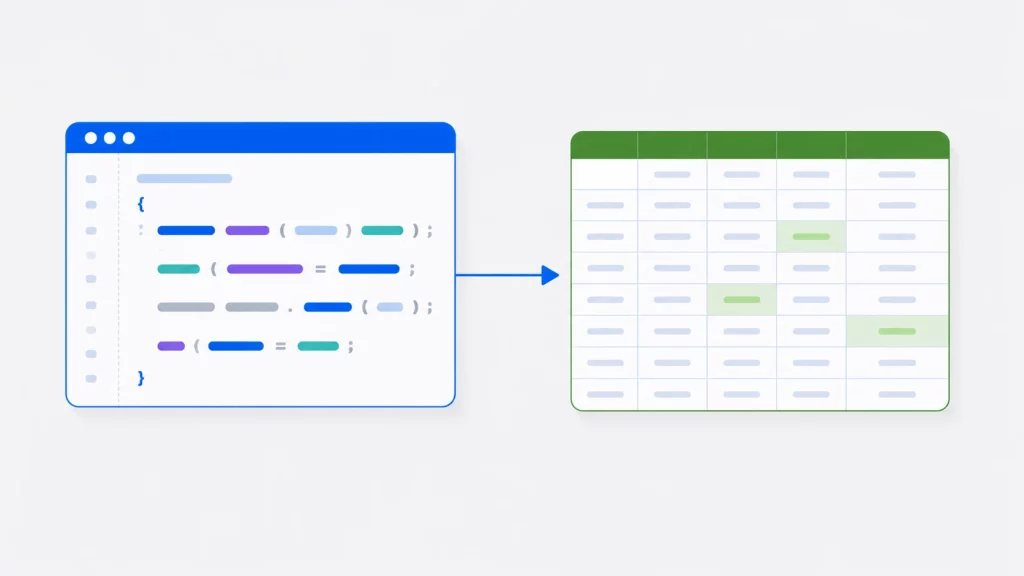
Read & Write Excel Files in C# — ClosedXML, EPPlus, NPOI & Interop
Working with Excel files in C# has several solutions, and Interop is rarely the best one anymore. Here’s how to read and write .xlsx with ClosedXML, EPPlus and NPOI in modern .NET.
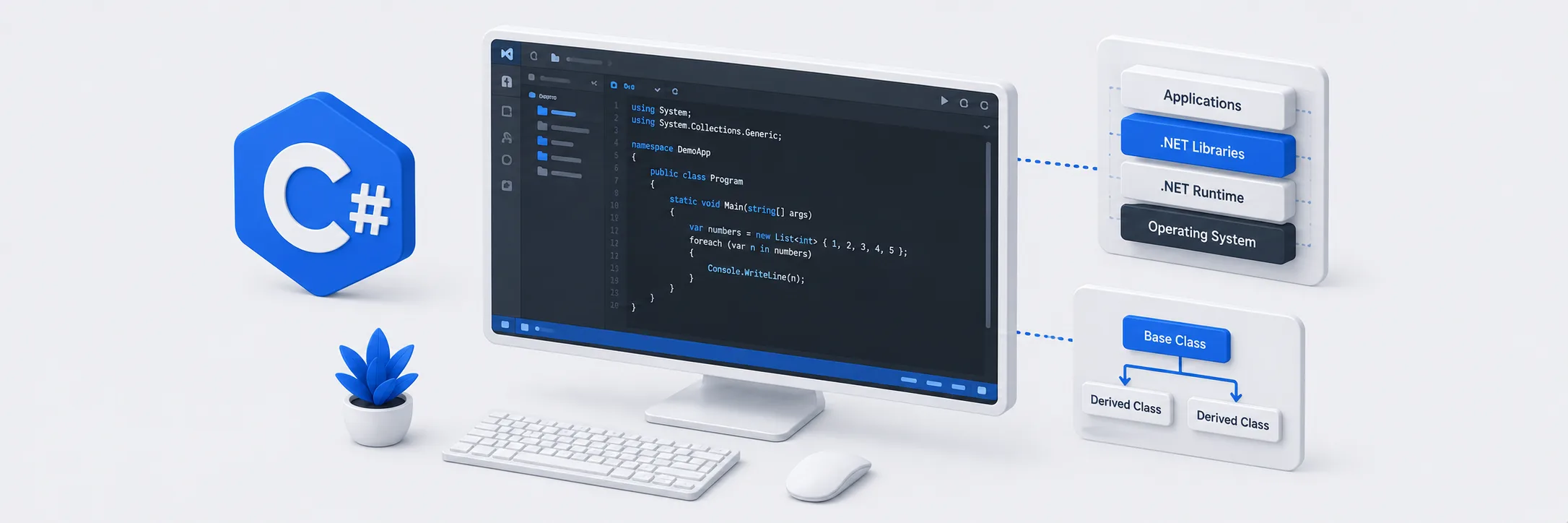
C# is Microsoft’s flagship programming language — a modern, versatile and type-safe language built for the .NET ecosystem. Since its introduction in 2000, C# has evolved into one of the most capable languages in professional software development, powering everything from Windows desktop applications and enterprise backend systems to cross-platform mobile apps with Xamarin, web applications with ASP.NET and game logic in Unity.
MYCPLUS has been publishing C# programming tutorials and .NET development guides since 2004. This section covers the full range of C# development — from core language fundamentals for beginners through to advanced techniques used by professional .NET developers in enterprise environments. You will find practical source code examples, step-by-step tutorials on object-oriented design in C#, file handling and I/O operations, working with Excel and data files, and guides to the Visual Studio development environment.
C# combines the performance and control of a strongly typed language with the productivity of a modern development platform. If you are learning C# for the first time, transitioning from Java or C++, or looking to deepen your .NET expertise — this section gives you the practical resources to build real skills.
Why MYCPLUS: Trusted by C# and .NET developers since 2004 — every tutorial includes working source code examples and practical guides built for real-world Windows and .NET application development.
Working with Excel files in C# has several solutions, and Interop is rarely the best one anymore. Here’s how to read and write .xlsx with ClosedXML, EPPlus and NPOI in modern .NET.

This is a very simple Visual Basic source code to export all the slides from a PowerPoint presentation. This source code can export images in any specified image format like .jpg, .bmp or .gif. I wrote this function while I was working on my undergraduate project “PowerPoint to XML Interchangeability”. I had to make some sort of PowerPoint Viewer to view the slides so I wrote this function to export PowerPoint slides into image sequences so that I can display them into an image control and export the images at a temporary location.
C# is a new programming language specifically designed for Microsoft .NET Framework. C# is significant in two respects. It is
Every application begins with a namespace in C# .NET that has the same name as the project. Of course, you can change the namespace to anything you like in order to maintain compatibility with other projects. For example we declared namespace Mycplus.CSharpBasics while taking an Overview of C#. We can write the whole application with in one namespace or we can declare multiple namespaces as needed in our project. The general syntax of declaring a namespace is

In C#, an exception is a runtime error or unexpected behavior that occurs during the execution of a program. Exceptions
Generating random numbers is a fundamental requirement in various programming scenarios, from creating dynamic content to simulating unpredictable events. In C#, the System.Random class provides a versatile solution for generating random values. In this article, are going to explore the basics of random number generation in C# and write practical examples that showcase its applications.
In C# programming, text manipulation is essential for creating clean and readable content. Whether you’re dealing with user input, processing text files, or enhancing the presentation of your application, understanding how to capitalize sentences and words plays a crucial role.
This is a simple C# .NET Program to validate email address. The ValildateEmail() function checks for a valid email and returns true if the email address is a valid email otherwise it returns false if the email address is not proper syntax. The code is well commented and should explain what is happening .
This is a simple C# program that returns the current date and time in various formats. This program uses the DateTime.Now property to get the current date and time.
Let’s begin by looking at the structure of a C# application. Every C# application contains certain elements. The application begins
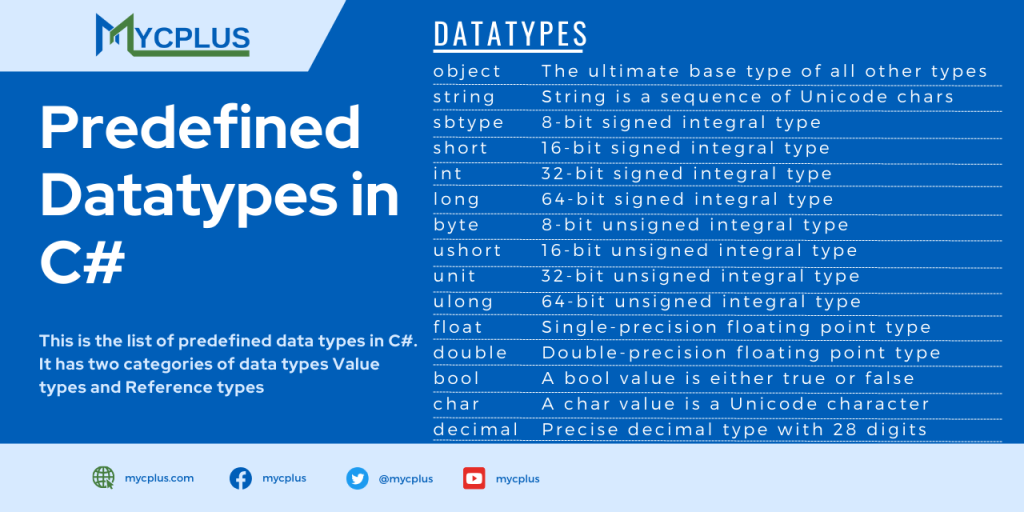
Here we will see the data types available in C#. Before examining the data types in C#, first we will try to understand the C# have two categories of data types. Value types and Reference types. Value type data type is that which stores the value directly in the memory. Its just like int, float and double. But reference types variables only store the reference of the memory where the actual value is.
The real nuts and bolts of a programming languages is that which controls the flow of a program called statements.