
JavaScript Tutorials — Scripting, Caching Techniques and Performance Optimisation

Flat isometric illustration of a browser window displaying JavaScript code with JS badge icon DOM tree diagram and caching layer diagram in blue

JavaScript is the language of the modern web — the only programming language that runs natively in every browser, making it essential for anyone building interactive websites, dynamic web applications or modern front-end experiences. Beyond the browser, JavaScript now powers server-side development through Node.js, mobile applications through React Native, and desktop tools through Electron, making it one of the most versatile languages in software development today.

MYCPLUS has been publishing JavaScript tutorials and web programming guides since 2004. This section covers JavaScript from scripting fundamentals through to practical performance topics including caching strategies, browser optimisation techniques and efficient JavaScript programming patterns. With over 20 articles covering beginner through intermediate JavaScript concepts, you will find clear explanations of core scripting principles, DOM manipulation techniques, practical code examples for common web programming challenges, and performance guides that show you how to write faster and more efficient JavaScript.

hether you are a beginner writing your first JavaScript function, a web developer looking to improve application performance, or a programmer exploring modern JavaScript features — this section gives you the practical skills to write better JavaScript for real-world web development.

What You’ll Learn:

  • JavaScript scripting fundamentals — variables, functions, control flow, scope, closures and the core JavaScript programming model with practical browser-based examples
  • DOM manipulation and events — selecting and modifying HTML elements, handling user events, dynamic content updates and building interactive web page behaviour with JavaScript
  • Caching techniques in JavaScript — browser caching strategies, service workers, localStorage and sessionStorage, application cache and practical caching patterns for faster web applications
  • Performance optimisation — reducing JavaScript execution time, minimising reflows and repaints, efficient DOM operations, lazy loading techniques and writing high-performance JavaScript code
  • Modern JavaScript features — ES6 and beyond including arrow functions, destructuring, template literals, promises, async/await and the modern JavaScript features used in professional web development
  • Practical JavaScript source code — ready-to-use JavaScript programs covering common scripting tasks, utility functions, web application patterns and real-world coding examples

Why MYCPLUS: Trusted by web developers and JavaScript programmers since 2004 — every tutorial includes practical working code examples covering scripting fundamentals, caching strategies and performance techniques for real-world web development.

Custom UI Input Elements

Improve User Experience with Custom JavaScript Form Inputs

When we talk about custom form inputs, we are referring to those interactive elements on a web page where users input information. This includes text fields, checkboxes, radio buttons, and dropdown menus. But what makes them “custom”? Unlike standard HTML form elements, custom form inputs are designed and styled to match the specific look and feel of a website or application. They go beyond the default appearance and functionality by offering a unique and tailored user experience.

JavaScript Caching Techniques

What are the Caching Techniques in JavaScript?

Caching is crucial in web development because it helps make your favorite websites load faster. When you visit a website, it stores parts of the site on your computer or phone. The next time you visit, your device can quickly pull these stored parts, and the site loads way faster. This makes for a smoother and more enjoyable experience for users.

Optimize JavaScript

How to Optimize JavaScript for Your Site Performance

A slow website can harm your SEO efforts, as Google uses page speed as one of its most important ranking factors. Moreover, speed affects the overall user experience (UX) – statistics show that 40% of users will abandon a website that loads for more than three seconds.  There you have it – seven tips for optimizing JavaScript to boost a site’s performance. By understanding how JS code affects the load time, website owners will be more prepared to address the problem efficiently.
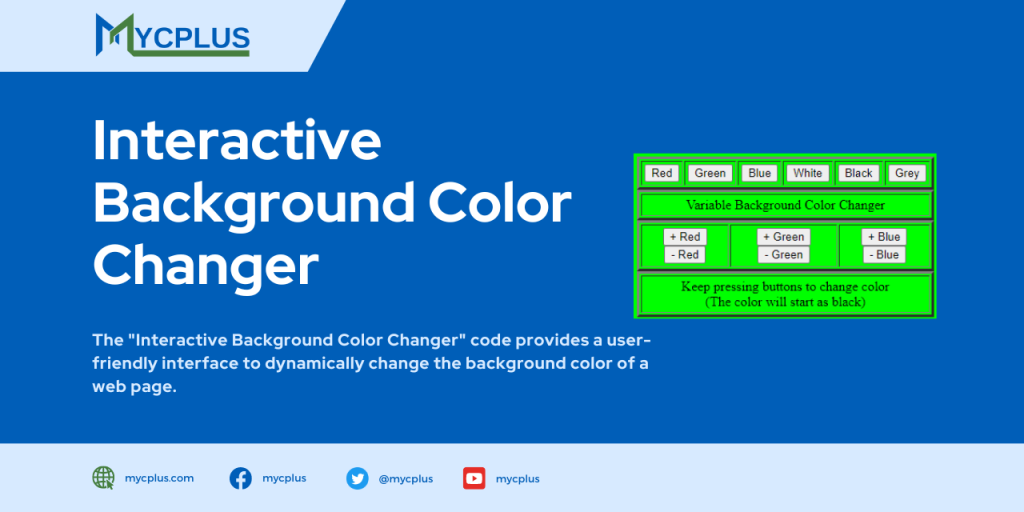

JavaScript Program to Show Date and Timestamp

JavaScript Program to Show Date and Timestamp

This is a simple JavaScript Program to show Date and Time Stamp on a webpage. In this script  we define a JavaScript function named getFormattedDateTime. This function uses the Date object to get the current date and time. It then formats them into a human-readable string.

Blinker

This script allow you to quickly blink the background. With a click of a button, the background changes from white

Scroll to Top