
Read the URL – Java
This short program demonstrates the URL and URLConnection classes by attempting to open a connection to a URL and read […]
This short program demonstrates the URL and URLConnection classes by attempting to open a connection to a URL and read […]
A RGBColorChooser shows three sliders that the user can manipulate to set the red, green, and blue, components of a
This Java source code defines a simple mouse tracking program using Swing which is a graphical user interface toolkit. The program displays a window with a drawing surface that captures and visualizes various mouse events. The mouse’s current coordinates, modifier keys (Shift, Control, Meta, and Alt), and the type of the most recent mouse event are displayed in real-time on the window.
This program demonstrates a few routines for processing binary sort trees. It uses a binary sort tree of strings. The
The StopWatch class introduces a versatile stopwatch component with enhanced functionality in Java. Extending JLabel and implementing the MouseListener interface, this interactive component not only measures elapsed time but also dynamically updates to display the current time in the format “Hours:Minutes:Seconds:Milliseconds”.
The program demonstrates sorting techniques by sorting a list of words based on their frequency count. Novice programmers can learn about basic file handling, data structures, generics, and sorting algorithms through this program, gaining foundational knowledge applicable to a wide range of Java applications.
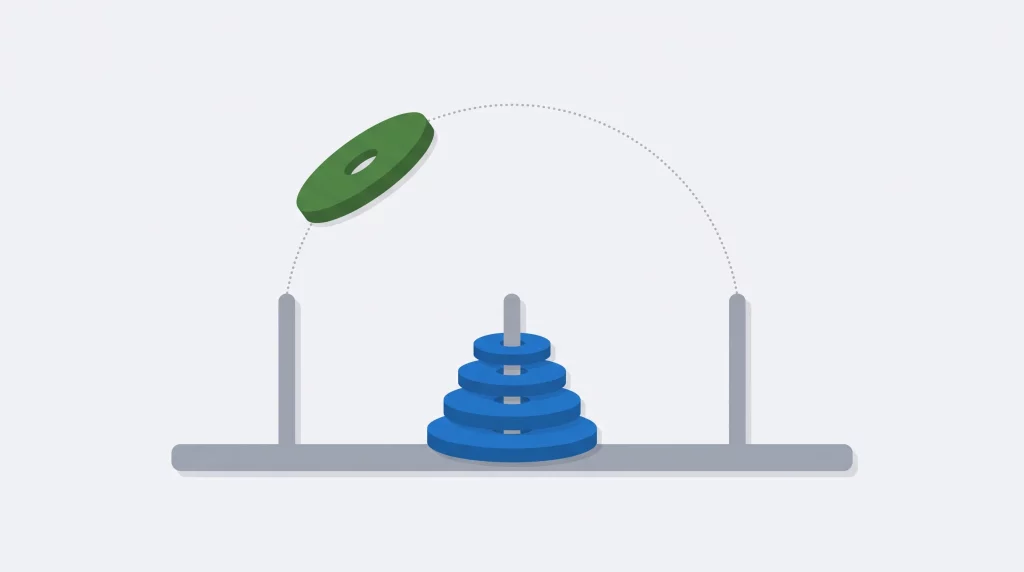
Why the puzzle takes 2ⁿ − 1 moves, a timed 30-disk run, five tested implementations, and an iterative solver that computes any move directly.
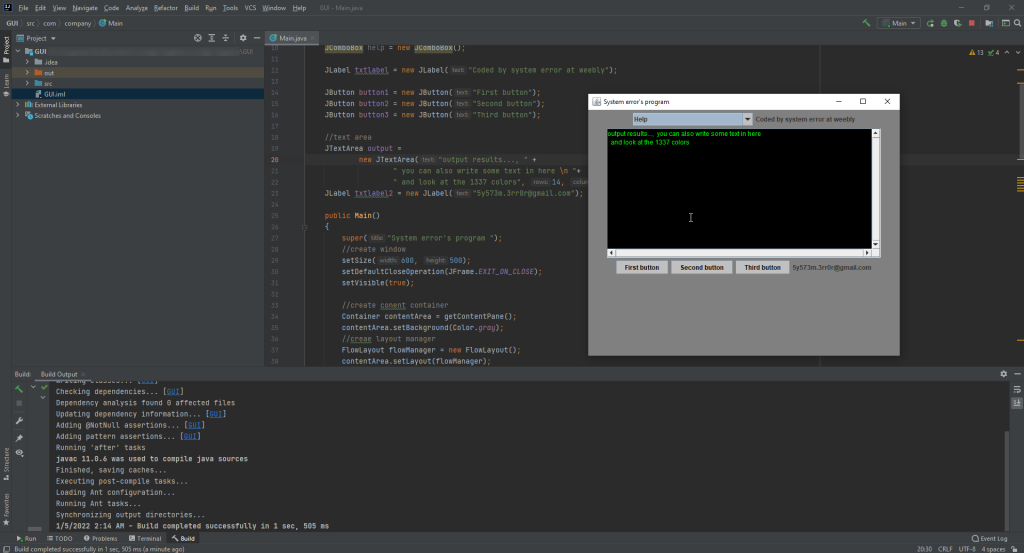
This Java source code is an example of a Graphical User Interface (GUI) with different GUI elements such as TextBox, Buttons, TextArea, Text Area and Labels. It is implemented using Java Swing API which provides a set of “lightweight” (all-Java language) components. This code example extends the functionality of JFrame class to show a JFrame window and Implements ActionListener on buttons to catch the click event on those buttons.
This Java source code implements a basic calculator with a graphical user interface (GUI) using AWT and Swing. The program is structured in a way that makes it suitable for novice programmers to understand and learn about GUI development in Java. It serves as an excellent starting point for those looking to explore basic GUI applications and understand the principles of event-driven programming.
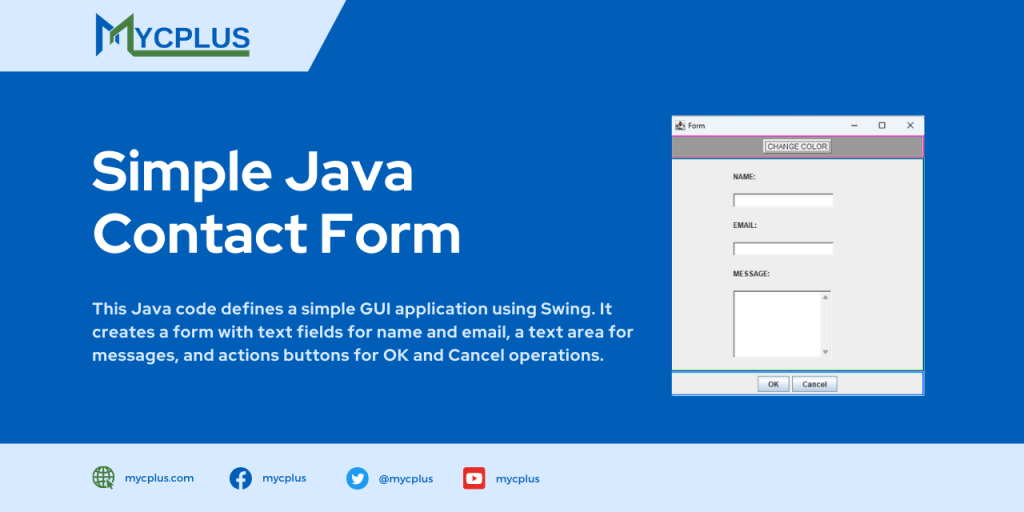
The following Java code defines a simple GUI application using Swing. It creates a form with text fields for name and email, a text area for messages, and actions buttons for OK and Cancel operations. Additionally, there is a button to change the background color of the form.