Programming Tutorials — C, C++, C#, Java, JavaScript, Python, PHP, and Game Development
Programming powers modern technology — from desktop software and websites to mobile apps, games and enterprise systems. Strong programming skills remain essential for developers, students and technology professionals building modern digital solutions.
MYCPLUS has been publishing programming tutorials, source code examples and practical development guides since 2004. This programming hub brings together tutorials for C, C++, C#, Java, JavaScript, PHP and Python, along with game development and real-world coding examples designed for hands-on learning.
You will find beginner-friendly programming tutorials, practical source code examples and advanced development guides covering object-oriented programming, debugging, modern programming techniques and professional software development practices. Whether you are learning your first language, improving coding skills or exploring modern development technologies, this section provides structured resources for real-world programming and software engineering.
What You’ll Learn:
- C programming fundamentals — variables, functions, pointers, memory management, file handling and procedural programming concepts
- Modern C++ development — object-oriented programming, STL, templates, smart pointers, lambda expressions and advanced C++ features
- Python programming — scripting, automation, data processing, application development and beginner-friendly programming concepts
- Java and C# development — object-oriented design, application architecture and enterprise programming fundamentals
- JavaScript and PHP programming — web development, frontend and backend programming, dynamic applications and interactive user experiences
- Game development programming — graphics programming, game engines, real-time systems and practical game development concepts using C and C++
Why MYCPLUS: One of the web’s longest-running programming resources — trusted since 2004 with hundreds of tutorials, practical coding guides, source code examples and developer learning resources designed for real-world programming skills.
As we begin the study of C++ and object oriented programming, a few comments are in order to help you get started. Since the field of object oriented programming is probably new to you, you will find that there is a significant amount of new terminology for you to grasp. This is true of any new endeavor and you should be warned not to be intimidated by all of the new concepts.
C Programming Programming
Welcome to the another C++ article where we will uncover the language’s flexibility and power through various data types. In this article, we’ll explore the compounded types such as Enumerated Types, Simple Structures, Very Simple Classes, the intriguing concept of the union and Type Conversions in C++. So, buckle up, aspiring programmers, as we embark on a journey to demystify these essential building blocks of C++.
C Programming
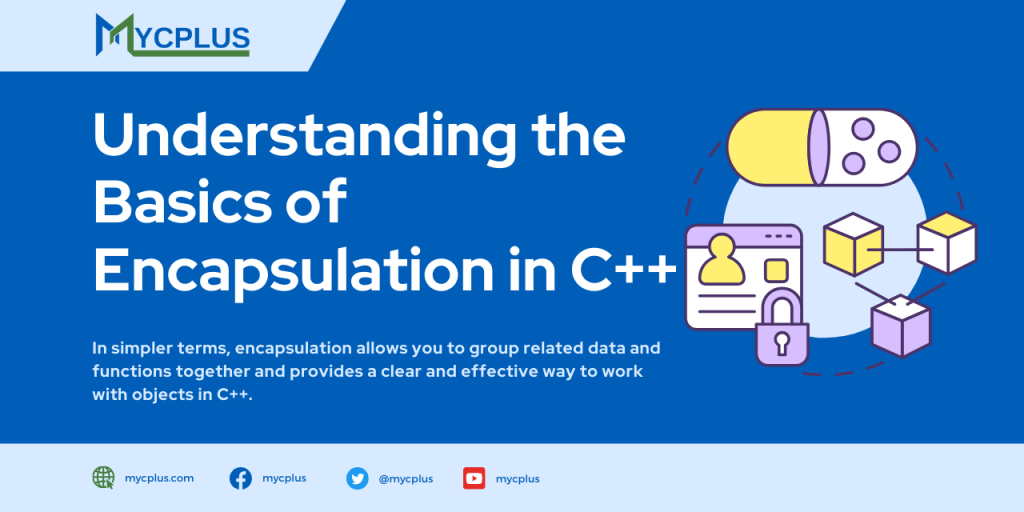
Encapsulation is a fundamental concept in Object Oriented Programming (OOP) that involves bundling data (attributes) and methods (functions) into a single unit known as a class. This encapsulated unit acts as a self-contained module which enhances code organization and promotes a more intuitive and manageable structure for programmers.
C Programming Encapsulation OOP
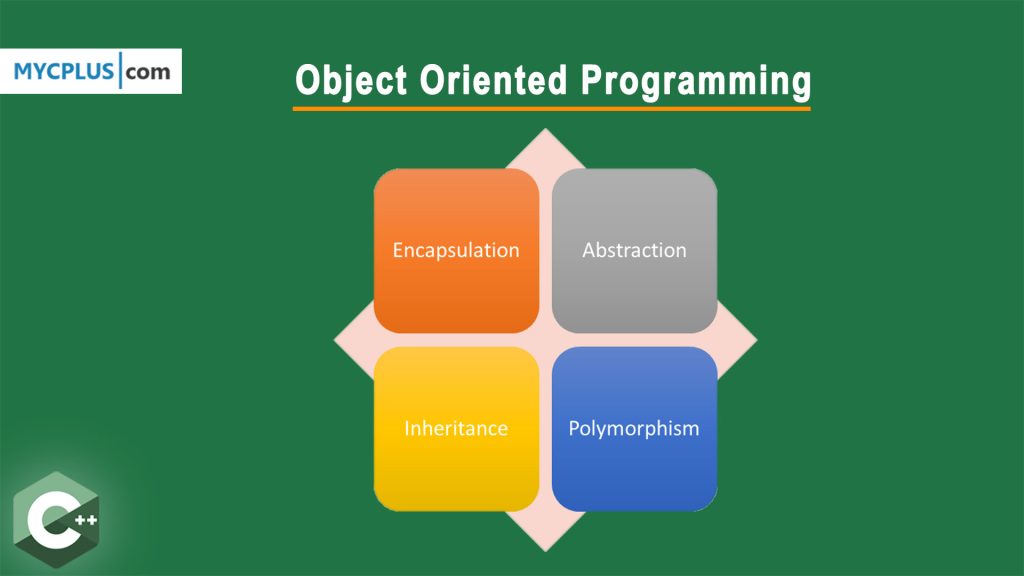
The principle of inheritance is available with several modern programming languages and is handled slightly differently with each. C++ allows you to inherit all or part of the members and methods of a class, modify some, and add new ones not available in the parent class. You have complete flexibility, and as usual, the method used with C++ has been selected to result in the most efficient code execution.
C Programming Classes Inheritance OOP Polymorphism Programming
In Object Oriented Programming Inheritance is the process by which objects of one class acquire the properties and functionality of objects of another class. In the last tutorial on inheritance in C++ we developed a model using modes of transportation to illustrate the concept of inheritance. In this article we will use that model to illustrate some of the finer points of inheritance and what it can be used for.
C Programming Classes Inheritance OOP Polymorphism Programming
Google Code University website provides tutorials and sample course content so CS students and educators can learn more about current
C Programming
The goal of these columns is to explore object-orientation through practical object-oriented programming. This time, we look at C++, but in the future we will explore other areas of object-orientation. Learning an object-oriented language-a whole new way of programming-will pave the way for many exciting topics down the road.
C Programming Classes OOP
This post contains lecture notes of “Introduction to C++” course which is taught at MIT OpenCourseWare. OCW is a free and open publication of material from thousands of MIT courses, covering the entire MIT curriculum. There’s no signup, no enrollment, and no start or end dates.
C Programming
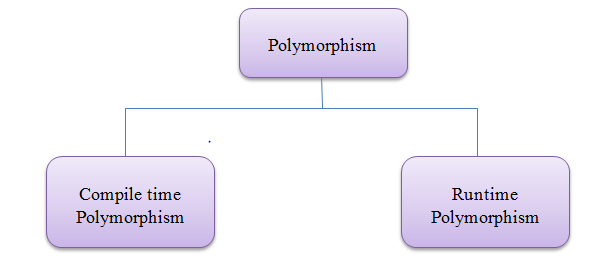
Simply speaking, polymorphism is the ability of something to be displayed in multiple forms. Let’s take a real life scenario; a person at the same time can perform several duties as per demand, in the particular scenario. Such as, a man at a same time can serve as a father, as a husband, as a son, and as an employee. So, single person possess different behaviors in respective situations. This is the real life example of polymorphism. Polymorphism is one of the important features of Object Oriented Programming (OOP).
C Programming OOP Polymorphism
The Standard Template Library (STL) is one of the most essential features of C++. It has very much grown in recent years. Basically, the Standard Template Library provides templatized, general-purpose classes as well as methods. These classes and functions/methods implement several popular and most commonly used algorithms as well as data structures.
C Programming STL
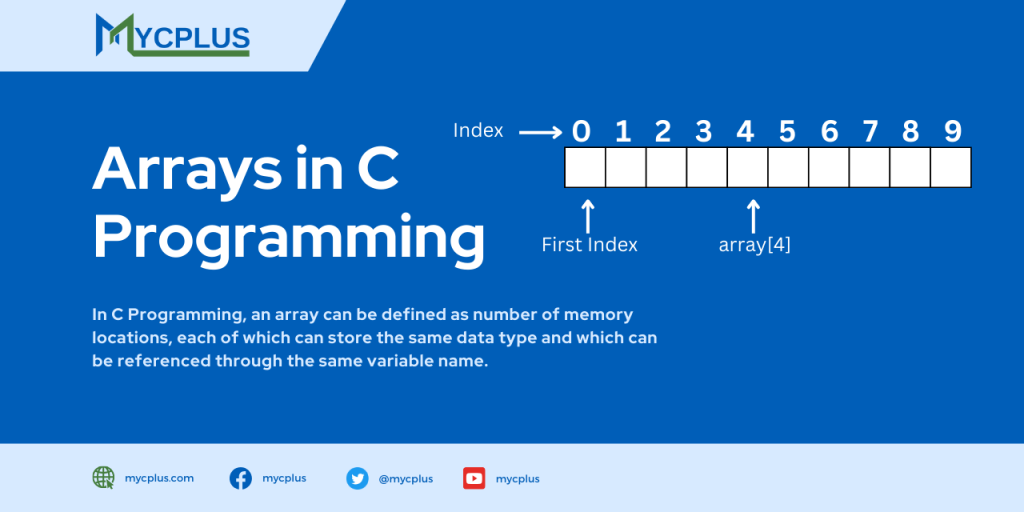
In C Programming, an array can be defined as number of memory locations, each of which can store the same data type and which can be referenced through the same variable name. Arrays can be of two types i.e. One Dimensional Array (such as lists) and Multidimensional Arrays (such as tables or matrices).
Arrays C Programming
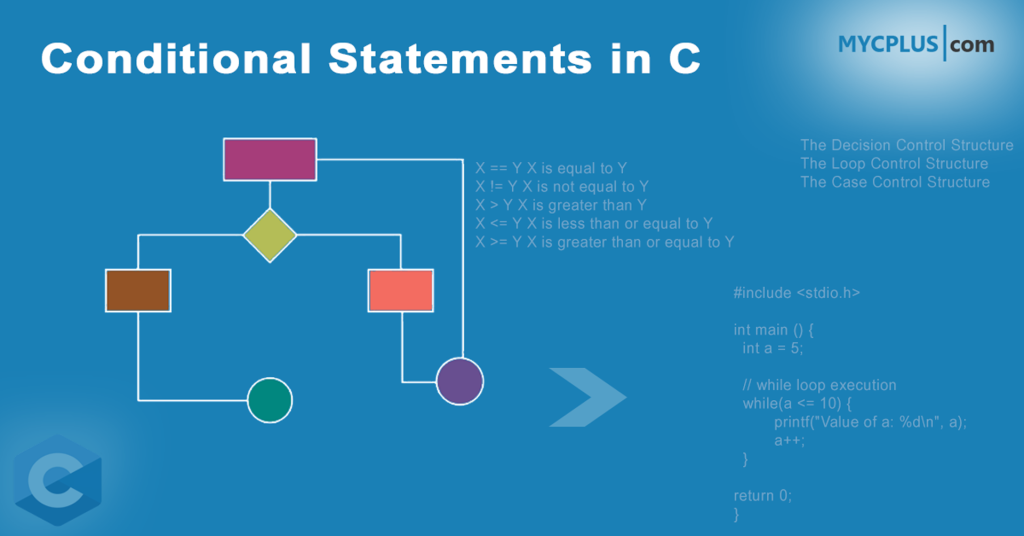
C programs are executed in a sequence, but we can control the execution of program by using any control mechanism by which we can compare things and come to a decision. This involves using some operations called Relational Operators, conditional statements called if-else and loops. We have fundamental operators to compare two values.
C Programming