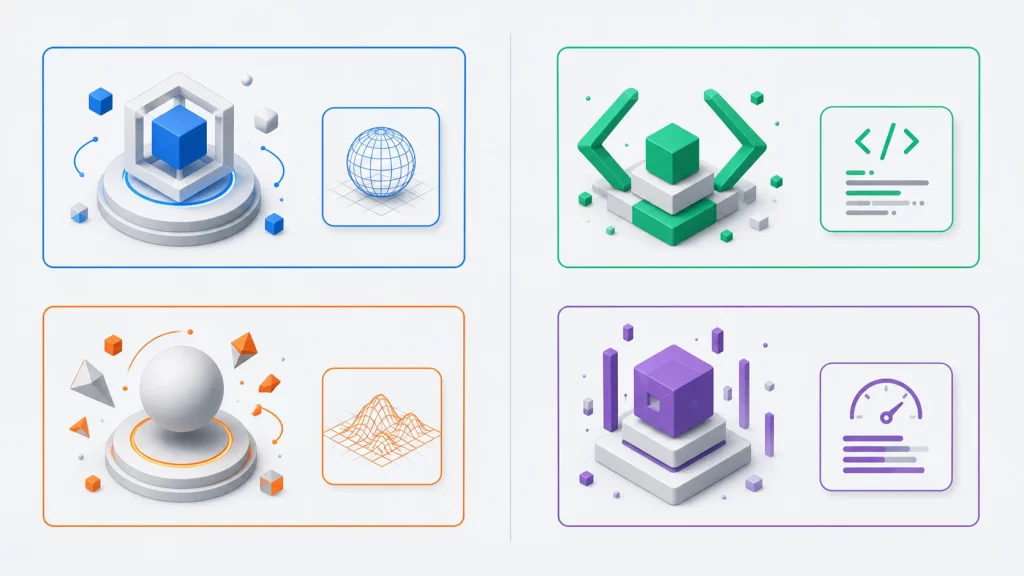

Buildbox is a game-making tool that lets you build mobile games without writing code. You drag characters, obstacles and backgrounds into a scene, set their behaviour with menus and visual nodes, and export the finished game for the App Store and Google Play. Since its launch in 2014 it has been used for thousands of small mobile games, including the 2015 hit Color Switch. In 2026 it comes as three separate products (Buildbox Classic, Buildbox 3 and Buildbox 4), and the newest adds AI tools that create assets and scenes from typed prompts.
This profile covers where Buildbox came from, how each version works, what the games made with it look like, what it costs, and a custom node we wrote and tested. Facts were checked against Buildbox’s own website, manual and release posts, its Steam page and contemporary coverage in November 2026.
What Is Buildbox?
Buildbox is a no-code game development tool for Windows and Mac, made by Buildbox (owned by AppOnboard since 2019). Founded by Trey Smith in 2014, it builds mostly 2D and casual mobile games for iOS and Android. It’s sold as Buildbox Classic (2D), Buildbox 3 (2D and 3D, with JavaScript custom nodes) and Buildbox 4 (AI-assisted 3D), on subscription plans.
Buildbox at a glance
| Type | No-code game maker, mainly for mobile games |
|---|---|
| Founded | August 2014, by Trey Smith |
| Owner | AppOnboard, Inc. (since June 2019) |
| Products | Buildbox Classic (2D), Buildbox 3 (2D and 3D), Buildbox 4 (AI-assisted 3D) |
| Latest versions | Classic 2.26.1, Buildbox 3 3.6.7, Buildbox 4 4.1.6 (June 2026) |
| Logic | Drag and drop and visual nodes; custom nodes in JavaScript |
| Runs on | Windows and Mac (Buildbox 4: Windows) |
| Exports | iOS, Android, PC and Buildbox World |
| Price | From $9.99 a month; Pro plans from $124.99 a year |
| Best-known game | Color Switch (2015) |
A Short History of Buildbox
Buildbox was founded by Trey Smith in August 2014, with the goal of letting anyone make video games without having to code. Its early fame came from one game. In 2015, David Reichelt built Color Switch in Buildbox in about a week; it topped the App Store’s free charts in more than 100 countries and passed 100 million downloads by August 2016 (PocketGamer.biz on how Color Switch reached No. 1). Buildbox’s site now quotes Reichelt saying it has passed 200 million.
In June 2019, AppOnboard, a Los Angeles company making no-code app tools, bought Buildbox. At the time, Buildbox said its tool had powered more than 45,000 games, with an estimated 3 billion-plus downloads. Smith joined AppOnboard as Chief Growth Officer, and Buildbox continued to run as its own brand (GameFromScratch on the acquisition).
Buildbox’s versions arrived in this order:
| Product | First released | What it is |
|---|---|---|
| Buildbox (versions 1 and 2, now “Classic”) | 2014 | The first 2D drag-and-drop builder, still updated as version 2.x |
| Buildbox 3 | May 2019 | A new 2D and 3D builder with node-based logic and smart assets |
| StoryGames AI | August 2023 | AI-generated visual-novel games, in Buildbox Classic and on the web |
| Buildbox 4 | 2024 | An AI-assisted 3D builder; free alpha in March 2024, launched in April 2024 |
How Buildbox Works
All three products share the same idea: you assemble a game visually and set its rules with menus, not code. They differ in how much control they give you.
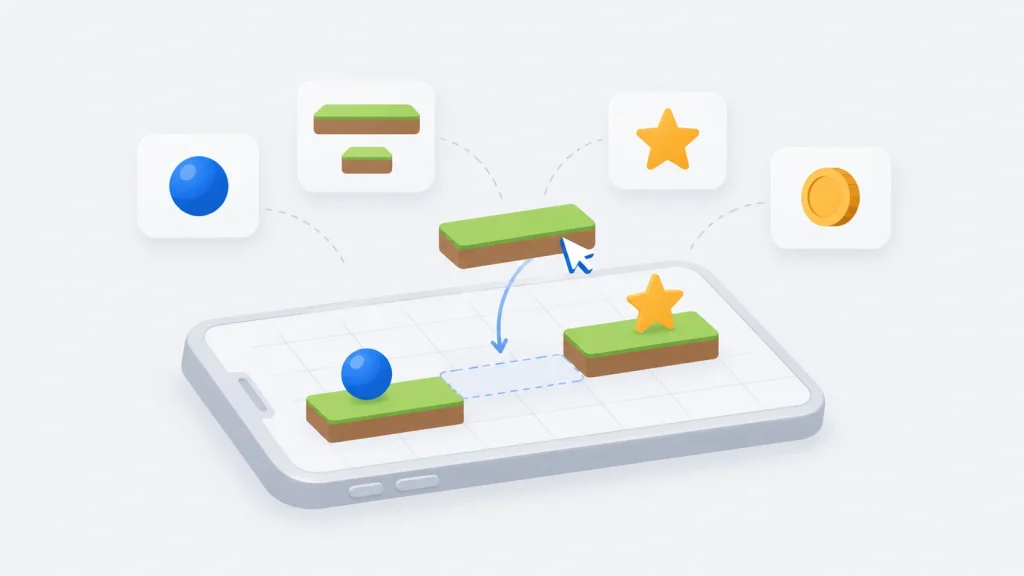
- Buildbox Classic is the simplest. You drag images onto a drop wheel to turn them into characters, obstacles, enemies or decorations, arrange them into scenes and worlds, and set physics and behaviour with sliders. More than 40 templates cover platformers, puzzlers, shooters and racers. Recent versions add an AI asset generator that creates images from a text prompt, and StoryGames AI, which drafts a ten-chapter illustrated visual novel from your answers to a few questions.
- Buildbox 3 adds 3D and a node-based logic system. Each object has a “mind map” of nodes (such as If Collide, Jump and Delay) connected by signals. When the built-in nodes aren’t enough, a Script node or a custom node lets you write the logic yourself in JavaScript.
- Buildbox 4 keeps the nodes but adds an AI assistant. You type commands such as “add a car”, describe a scene to generate it, or ask the AI to change or write nodes for you. Buildbox’s Steam page says the assistant uses OpenAI’s services, and that the public version runs on Windows, with a Mac version to follow.
When a game is ready, Buildbox exports it as a project for each platform. For iOS and Android, you compile that project in Xcode or Android Studio and publish it yourself, and you can add AdMob or Buildbox’s own Adbox ads and in-app purchases. Games can also be shared to Buildbox World, its companion app for playing creators’ games.
Is Buildbox a C++ Engine?
Not from the user’s point of view. Buildbox is a no-code tool, so you never write C++ to use it. Game logic is built from visual nodes, and custom logic in Buildbox 3 and 4 is written in JavaScript. The exported projects are compiled in standard tools such as Xcode, Visual Studio or Android Studio, but you don’t need to edit their code. If you want to write a game in C++, a code-first engine is a better fit (see the alternatives below).
Hello, Buildbox: A Custom Tap Counter Node
In Buildbox 3, a custom node is a .bbnode file: JSON that describes the node’s inputs, outputs and settings, plus a JavaScript script section. This node counts Tap signals, tints its object from white to green as the taps add up, and fires a Reached signal when the count hits the “Taps Needed” setting. A Reset input starts it over:
{
"name" : "Tap Counter",
"attributes": [
{
"name" : "Tap",
"type" : "Boolean",
"connection" : "Input",
"editable" : false
},
{
"name" : "Reset",
"type" : "Boolean",
"connection" : "Input",
"editable" : false
},
{
"name" : "Reached",
"type" : "Boolean",
"connection" : "Output",
"editable" : false
},
{
"name" : "Taps Needed",
"type" : "Number",
"connection" : "None",
"editable" : true,
"value" : 3
}
],
"script":"
let _count = 0;
let _needed;

function init(){
	_needed = this.attribute('Taps Needed');
}

function start(){
}

function update(dt){
}

function signal(name, value){
	if (name == 'Tap' && value) {
		_count++;
		// Fade the entity from white toward green as taps add up
		let shade = Math.max(0, 255 - Math.round(255 * _count / _needed));
		this.entity().setColor(shade, 255, shade, 255);
		if (_count == _needed) {
			this.emitSignal('Reached', true);
		}
	}
	else if (name == 'Reset' && value) {
		_count = 0;
		this.entity().setColor(255, 255, 255, 255);
	}
}
"
}
To use it, drag the file into an object’s mind map in Buildbox 3, connect a touch or collision node to Tap, and connect Reached to whatever should happen next, such as a level-complete node. Buildbox’s manual notes that the script must use single quotes, because the whole script sits inside one JSON string.
Our test: we didn’t run this inside Buildbox, which needs a signed-in desktop install. Instead, we loaded the file in Node.js the way Buildbox’s documentation describes the format, and ran its script against a small stand-in for Buildbox’s documented node and entity functions. Three Tap signals stepped the colour from white to full green and fired Reached exactly once. A fourth tap didn’t fire it again, and Reset restored white.
Games Made with Buildbox
Buildbox is mostly used for small, quick-to-play mobile games, and many indie creators release several of them a year:
| Game | Year | Notes |
|---|---|---|
| Color Switch | 2015 (released) | David Reichelt’s colour-matching tap game, Buildbox’s best-known hit |
| Golf Piko | 2026 (spotlight) | Featured in a Buildbox game spotlight in February 2026 |
| Em’ Blocky | 2026 (spotlight) | A block-fitting puzzle game, featured in April 2026 |
| Almost Out of Mana | 2026 (spotlight) | Featured in a Buildbox game spotlight in June 2026 |
Buildbox’s site says Apple regularly features Buildbox games and quotes Simon Crack of Dead Cool Apps, whose studio says it has been featured by Apple eight times using only Buildbox. In July 2026, Buildbox’s blog asked readers to vote for creator Tepes Ovidiu for Best Indie Developer in the Pocket Gamer Mobile Games Awards.
Buildbox Pricing in 2026
Buildbox is sold by subscription. In November 2026, buildbox.com listed these US prices (Buildbox plans):
| Plan | Price | Includes |
|---|---|---|
| Buildbox Classic Beginner | $14.99 a month | 2D, 1 world, 20 scenes, 5 exports to Buildbox World |
| Buildbox Classic Pro | $199.99 a year | Unlimited worlds and scenes, AI access, exports to iOS, Android and PC |
| Buildbox 3 Beginner | $9.99 a month | 2D and 3D, 1 world, 20 scenes, exports to iOS, Android, PC and Buildbox World |
| Buildbox 3 Pro | $124.99 a year | Unlimited worlds and scenes, exports to iOS, Android and PC |
| Ultimate Bundle | $574.99 a year | Classic Pro, Buildbox 3 Pro, Buildbox 4 Pro and Soundbox |
On Pro plans, you keep all of your App Store, Google Play and in-app purchase revenue, and 90% of revenue from Buildbox’s Adbox ad network. The pricing page shows struck-through “regular” prices about twice as high next to a countdown timer, so treat the listed prices as current offers, which may change.
Buildbox in 2026
Buildbox is still maintained, by what its own update post calls a “small team”. The latest release, in June 2026, updated all three products together: Buildbox Classic 2.26.1, Buildbox 3 3.6.7 and Buildbox 4 4.1.6. It moved Android exports to target API level 36, upgraded Google Play Services and fixed export crashes (Buildbox’s June 2026 update). Its two most recent update posts, from October 2024 and June 2026, focused on keeping exports working with app-store rules and ad SDKs, rather than on new features.
Buildbox 4 is available from Buildbox’s website, but its Steam page still listed it as “Coming soon” in November 2026.
Buildbox Alternatives
- GDevelop: a free, open-source no-code game engine for 2D games, with visual events and web, mobile and desktop exports (GDevelop).
- Godot: a free, open-source engine with its own easy scripting language, for when you outgrow no-code tools. See our Godot engine profile.
- Unity: a large commercial engine for 2D and 3D mobile games, scripted in C#. See our Unity engine profile.
For more engines, browse our directory of C++ game engines.
Key Takeaways
- Buildbox is a no-code game maker, founded by Trey Smith in 2014 and owned by AppOnboard since June 2019.
- Its best-known game is Color Switch (2015), built in about a week, which reached No. 1 on the App Store.
- It’s sold as three products: Buildbox Classic for 2D, Buildbox 3 for 2D and 3D with nodes, and Buildbox 4 with an AI assistant.
- Custom logic is written in JavaScript, not C++, using Script nodes or
.bbnodecustom nodes. - Plans start at $9.99 a month, and Pro plans let you keep all store and in-app purchase revenue.
- It’s still maintained, with a June 2026 update for all three products.
Conclusion
Buildbox showed that a hit mobile game didn’t always need a programmer, and Color Switch remains the best example. Today it’s a smaller, steadier product: three tools for quick casual games, kept current with app-store requirements, with AI features added on top. For beginners who want to publish a simple mobile game quickly, it still does the job. For anything more ambitious, a full engine gives you more room to grow.
For more engines across every genre, browse our game development hub.