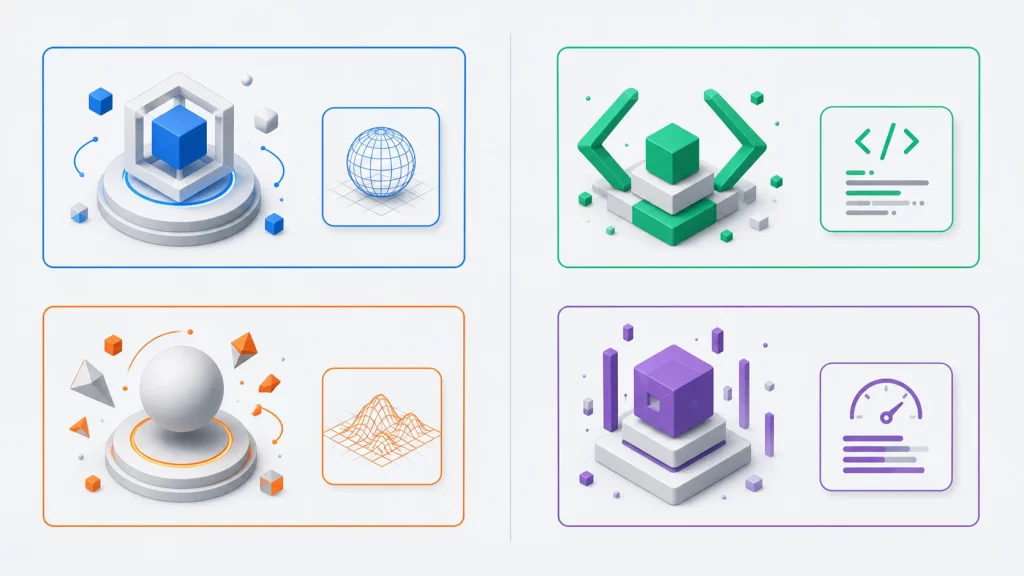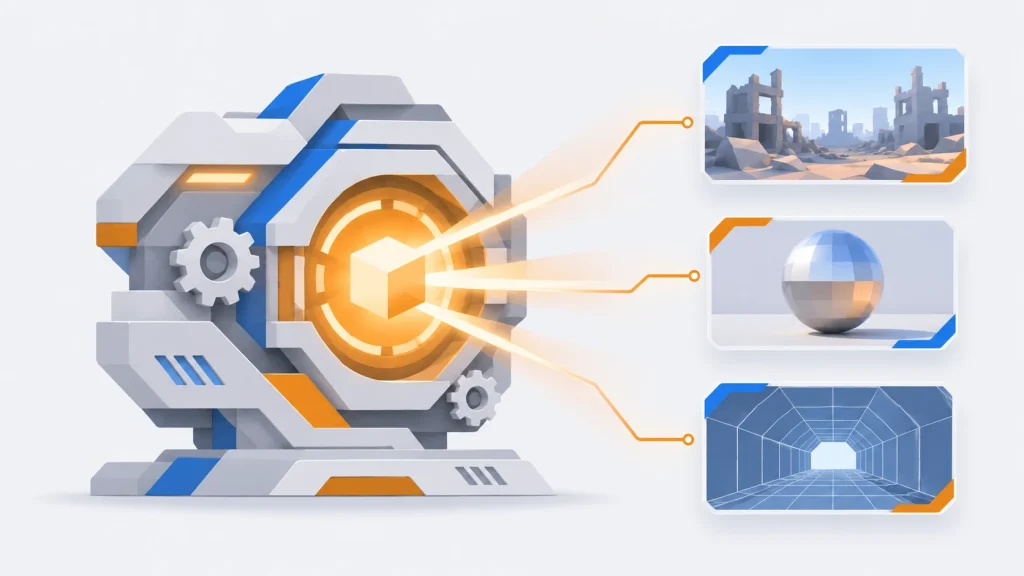

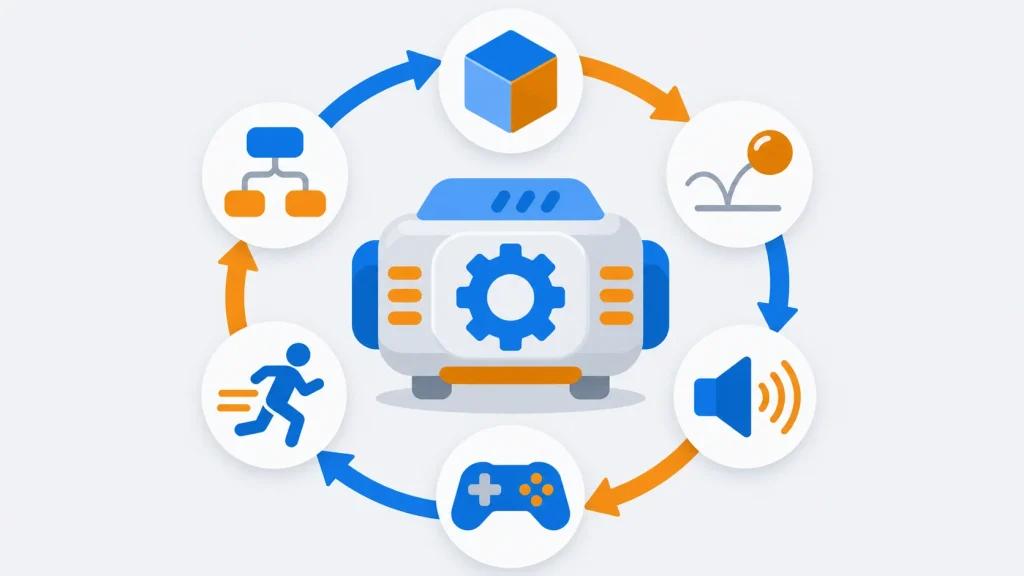
A game engine is the software that a game runs on: it draws the graphics, plays the sound, simulates the physics, reads the controller, and runs the game’s own code, every frame. Almost every commercial game today is built on one, whether it’s a public engine such as Unity, Unreal Engine or Godot, or an in-house engine like Valve’s Source 2. For a programmer thinking about a career in games, understanding engines is the first step.
This guide explains what a game engine is, what’s inside one, and how its core loop works, with a small C++ program that shows the idea. Then it compares the engines you’re most likely to meet in 2026, with their licences, languages and best-known games, and helps you choose one to learn. Versions and licence terms were checked against the engine makers’ own sites in November 2026.
What Is a Game Engine?
A game engine is a software framework for building and running video games. It provides the systems most games need, such as rendering, physics, audio, input, animation, scripting and networking, plus an editor and tools for importing art. Developers write the game’s own rules on top of it instead of building those systems from scratch.
Game engines at a glance
| What it is | A framework for building and running games |
|---|---|
| Core systems | Rendering, physics, audio, input, animation, scripting, networking, editor |
| Heart of it | The game loop: input, update, render, present |
| Most used engines | Unity, Unreal Engine, Godot |
| Main languages | C# (Unity), C++ (Unreal), GDScript, C# and C++ (Godot) |
| Free options | Godot (MIT); Unity Personal; Unreal until $1M revenue |
| In-house examples | Source 2, Frostbite, id Tech, RE Engine, Decima |
| Latest versions | Unity 6.4, Unreal Engine 5.8, Godot 4.7 (2026) |
A Short History of Game Engines
In the 1980s, most games were written from scratch for each machine. The idea of a reusable engine took hold in the 1990s, when id Software separated the core technology of Doom (1993) and Quake (1996) from the game content and licensed it to other studios. Other games could then be made by swapping in new levels, art and rules.
From there, a handful of engines shaped the industry:
- 1998: Epic Games released Unreal, and with it the Unreal Engine, which it soon licensed to other studios.
- 2004: Valve shipped Half-Life 2 on its Source engine.
- 2005: Unity launched as a Mac-only engine and grew into the most widely used engine for indie and mobile games.
- 2014: Godot, created by Juan Linietsky and Ariel Manzur, was released as open source under the MIT licence.
- 2015: Epic made Unreal Engine 4 free to download, charging a royalty only on successful games, and Valve announced Source 2.
- 2022: Unreal Engine 5 launched with Nanite geometry and Lumen lighting.
Today, big publishers still run their own engines, such as EA’s Frostbite, id Software’s id Tech, Capcom’s RE Engine and Guerrilla’s Decima, while most other studios license Unity or Unreal Engine or use Godot.
What’s Inside a Game Engine
An engine is a collection of subsystems that work together. The names vary, but nearly every engine has these:
| Subsystem | What it does |
|---|---|
| Renderer | Draws each frame through a graphics API such as Direct3D 12, Vulkan or Metal, with materials, lights, shadows and post-processing |
| Physics | Simulates collisions, gravity, rigid bodies and sometimes cloth and vehicles |
| Audio | Plays and mixes sounds and music, often in 3D around the listener |
| Input | Reads keyboard, mouse, gamepad and touch, across platforms |
| Animation | Plays and blends skeletal animations for characters |
| Scripting / gameplay | Runs the game’s own code, in a language such as C#, C++, GDScript or a visual scripting system |
| AI and navigation | Pathfinding and behaviour for non-player characters |
| Networking | Keeps game state in sync between players in multiplayer games |
| Editor and asset pipeline | Lets designers build levels and imports models, textures and sounds into fast, ready-to-load formats |
| Platform layer | Hides the differences between Windows, consoles, mobile and the web |
How a Game Engine Works: The Game Loop
At the centre of every engine is the game loop. Each time around the loop, the engine reads input, updates the game, renders a frame and shows it, 30 to 120 or more times a second.
Frames don’t all take the same time: a busy scene takes longer to draw. If physics advanced by however long the last frame took, a slow frame could make objects jump through walls, and the game would behave differently on fast and slow computers. So most engines run their updates with a fixed timestep, a technique popularized by Glenn Fiedler’s article “Fix Your Timestep!”. Unity’s FixedUpdate, for example, runs at a fixed rate in exactly this way.
This C++ program is a minimal version of that loop. It simulates a falling ball, runs physics at exactly 60 steps a second, and draws “frames” that take different amounts of time:
// The heart of every game engine: a fixed-timestep game loop.
// Physics updates at exactly 60 Hz, however fast or slow frames are drawn.
#include <cstdio>

struct Ball {
    double y = 10.0;   // height in metres
    double vy = 0.0;   // vertical speed in m/s
};

// One physics step: gravity, then a bounce that keeps 80% of the speed.
void update(Ball& b, double dt) {
    b.vy -= 9.81 * dt;
    b.y += b.vy * dt;
    if (b.y < 0.0) {
        b.y = 0.0;
        b.vy = -b.vy * 0.8;
    }
}

// Drawing only reads the state. `alpha` blends the last two physics states
// so motion looks smooth when frames and physics steps don't line up.
void render(const Ball& prev, const Ball& curr, double alpha, int frame) {
    const double y = prev.y * (1.0 - alpha) + curr.y * alpha;
    std::printf("frame %2d: ball drawn at %.3f m\n", frame, y);
}

int main() {
    const double step = 1.0 / 60.0;  // fixed physics timestep
    // Simulated frame times in seconds: a game would measure these with a clock.
    const double frame_times[] = {0.016, 0.033, 0.008, 0.050, 0.016, 0.016, 0.100, 0.016};

    Ball prev, curr;
    double accumulator = 0.0;
    int steps = 0, frame = 0;

    for (double frame_time : frame_times) {
        accumulator += frame_time;        // 1. add the real time that passed
        while (accumulator >= step) {     // 2. run as many fixed steps as fit
            prev = curr;
            update(curr, step);
            accumulator -= step;
            ++steps;
        }
        render(prev, curr, accumulator / step, ++frame);  // 3. draw once
    }
    std::printf("%d frames drawn, %d physics steps run\n", frame, steps);
}
A few things to notice:
- The accumulator collects real time. Each frame, the loop runs as many fixed 1/60-second physics steps as fit in it, which can be zero, one or several.
- A slow frame (the 0.100-second one) is followed by several physics steps in a row, so the simulation catches up instead of taking one big, unstable step.
renderonly reads the game state. It blends the last two physics states withalpha, so motion looks smooth even when frames and steps don’t line up.
When we ran it, the program printed:
frame  1: ball drawn at 10.000 m
frame  2: ball drawn at 9.992 m
frame  3: ball drawn at 9.988 m
frame  4: ball drawn at 9.952 m
frame  5: ball drawn at 9.936 m
frame  6: ball drawn at 9.916 m
frame  7: ball drawn at 9.739 m
frame  8: ball drawn at 9.702 m
8 frames drawn, 15 physics steps run
How we tested it: we compiled this program with g++ 13 and clang++ 18 as C++17, with all warnings turned on and treated as errors, and both builds printed exactly the output above. It also ran clean under AddressSanitizer and UndefinedBehaviorSanitizer. The eight frames add up to 0.255 seconds, and the loop ran 15 physics steps (0.255 ÷ 1/60 = 15.3), with the leftover fraction carried into the next frame.
A real engine wraps the same loop around much more: input events from the operating system, hundreds of objects with scripts, physics from a library such as Jolt or PhysX, and a renderer that sends work to the GPU. To see what that rendering half involves, read our guide to graphics technologies in AAA game development with C++.
The Game Engines You’re Most Likely to Use in 2026
| Engine | First released | Developer | Licence | Main languages | Known games |
|---|---|---|---|---|---|
| Unity | 2005 | Unity Technologies | Proprietary; free Personal plan, Pro needed above $200,000 in revenue or funding | C# | Hollow Knight, Outer Wilds, Pokémon Go |
| Unreal Engine 5 | 2022 (Unreal Engine: 1998) | Epic Games | Source-available; free until a game earns $1 million, then 5% royalty | C++, Blueprints | Fortnite, Tekken 8, RoboCop: Rogue City |
| Godot | 2014 (open source) | Godot Engine community | MIT (free and open source) | GDScript, C#, C++ | Brotato, Dome Keeper, Buckshot Roulette |
| Source 2 | 2015 | Valve | Proprietary; not licensed publicly | C++ (C# in s&box) | Dota 2, Half-Life: Alyx, Counter-Strike 2 |
Unity
Unity is the most widely used engine for indie, mobile and mixed-reality games. Its editor is approachable, it exports to PC, consoles, mobile and the web, and its Asset Store sells ready-made models, tools and systems. You script games in C#, and its built-in visual scripting system, which began as the Bolt plugin, lets you build logic without code. The current generation is Unity 6, with updates such as Unity 6.4 in March 2026. Unity Personal is free; businesses with more than $200,000 in annual revenue or funding need Unity Pro (Unity plans and pricing). Unity also cancelled its unpopular per-install Runtime Fee after developers protested. See our Unity engine profile.
Unreal Engine 5
Unreal Engine powers many of the best-looking games on PC and consoles. Its Nanite system renders film-quality geometry, Lumen provides dynamic global illumination, and Blueprints let designers script gameplay visually, while programmers work in C++ with the engine’s full source code on GitHub. It’s free to use until a game earns $1 million in gross revenue; after that Epic takes 5%, and sales through the Epic Games Store are royalty-free (Unreal Engine licensing). Unreal Engine 5.8 arrived in June 2026, and Epic has said it will likely be the last 5.x release before Unreal Engine 6. See our Unreal Engine profile.
Godot
Godot is the leading free and open-source engine. Its MIT licence means no fees or royalties at all, and its small download and fast editor make it popular with indie developers and teachers. You can script in its Python-like GDScript, in C#, or in C++ through GDExtension. Godot 4.7, released in June 2026, added HDR output and area lights, and maintenance releases followed through the summer (Godot 4.7.1 release notes). See our Godot engine profile.
Source 2
Source 2 is Valve’s in-house engine, the successor to the Source engine behind Half-Life 2, Portal and Counter-Strike: Global Offensive. It runs Dota 2, Half-Life: Alyx and Counter-Strike 2, and supports Vulkan and Direct3D 11. Valve doesn’t license it publicly, but modders can use its Hammer editor and workshop tools, and Facepunch’s s&box, a Garry’s Mod successor built on Source 2, launched on Steam in April 2026 with a licensing deal that lets creators publish standalone games (PC Gamer on s&box). See our Source engine profile.
How to Choose a Game Engine
| If you want to… | Start with |
|---|---|
| Make your first 2D or 3D game, for free, with no strings | Godot |
| Make mobile, indie or VR/AR games and use a huge asset library | Unity |
| Make high-end 3D games, or work at a AAA studio | Unreal Engine (learn C++) |
| Build mods and levels for Valve games | Source 2 tools |
| Learn how engines work under the hood | A framework such as raylib or SDL, or your own small engine in C++ |
Whichever you choose, the skills carry over: the game loop, scenes and objects, physics, and the maths of 3D graphics work the same way everywhere.
Common Misconceptions About Game Engines
- “Most game engines are free and open source.” The two most used engines, Unity and Unreal Engine, are proprietary. They’re free to start with, but they come with licence terms. Godot is the best-known fully open-source engine.
- “Unreal Engine is open source.” Its C++ source code is available to licensees on GitHub, but it isn’t open-source software: Epic’s licence and royalty apply.
- “Source is the most powerful game engine.” “Most powerful” depends on the game. Source 2 is impressive, but it’s Valve’s own engine and isn’t publicly licensed, so most developers can’t choose it.
- “With an engine, you don’t need to program.” Visual scripting helps, but most commercial games still need programmers to write gameplay, tools and performance-critical code.
- “You should write your own engine first.” Writing a small engine is a great way to learn, but for shipping a game, an existing engine saves years of work.
Game Engine Alternatives: Frameworks and Your Own Engine
Not every game needs a full engine. Frameworks such as raylib, SDL and MonoGame give you windows, input, graphics and sound, but leave the game loop and structure to you. They’re lighter, and they teach you how engines work. Writing your own engine makes sense when a game needs something no engine does well, which is why many large studios keep their own.
For many more engines, from big names to small open-source projects, browse our directory of C++ game engines. If you’re planning a career, our guide to building a career in game programming covers the skills studios look for.
Key Takeaways
- A game engine is a framework for building and running games, with rendering, physics, audio, input, scripting and tools built in.
- Every engine runs a game loop: read input, update the game, render and present, usually with physics on a fixed timestep.
- Unity, Unreal Engine and Godot are the engines most developers meet, with C#, C++ and GDScript as their main languages.
- Their licences differ: Unity is free until $200,000 in revenue or funding, Unreal Engine charges 5% after $1 million, and Godot is free under MIT.
- Many big studios use in-house engines, such as Source 2, Frostbite and id Tech.
- Choose by your goal, but the core skills carry over from one engine to another.
Conclusion
Game engines handle the hard, shared problems of making games, so developers can focus on what makes their game different. Under the editors and asset stores, they all run the same loop you saw above. For a programmer, the best start is to pick one engine, make something small with it, and learn how it works inside, from the loop to the renderer.
For more engines, tutorials and guides, browse our game development hub.