Java Code Examples

Interactive Java Color Palette: Select and Display HEX Color Values

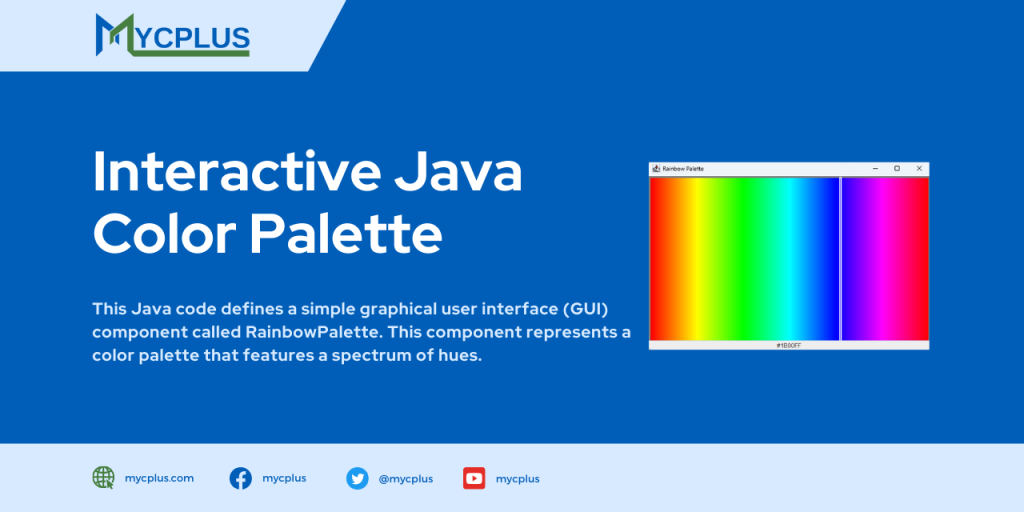
This Java code defines a simple graphical user interface (GUI) component called RainbowPalette. This component represents a color palette that features a spectrum of hues. Users can interact with the palette by clicking on different colors, and the selected color’s HEX value is displayed in a text box below the palette.

Java Swing GUI

Java Swing GUI Example Program

This Java source code is an example of a Graphical User Interface (GUI) with different GUI elements such as TextBox, Buttons, TextArea, Text Area and Labels. It is implemented using Java Swing API which provides a set of “lightweight” (all-Java language) components. This code example extends the functionality of JFrame class to show a JFrame window and Implements ActionListener on buttons to catch the click event on those buttons.

Java Calculator Program with GUI

Java Calculator Program with AWT and Swing Based GUI

This Java source code implements a basic calculator with a graphical user interface (GUI) using AWT and Swing. The program is structured in a way that makes it suitable for novice programmers to understand and learn about GUI development in Java. It serves as an excellent starting point for those looking to explore basic GUI applications and understand the principles of event-driven programming.
Simple Java Contact Form

Simple Java Contact Form

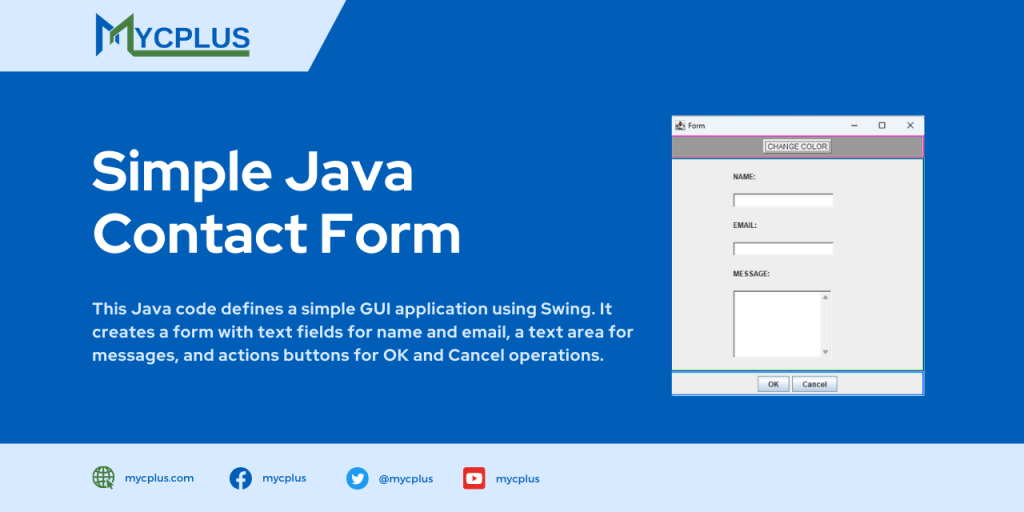
The following Java code defines a simple GUI application using Swing. It creates a form with text fields for name and email, a text area for messages, and actions buttons for OK and Cancel operations. Additionally, there is a button to change the background color of the form.

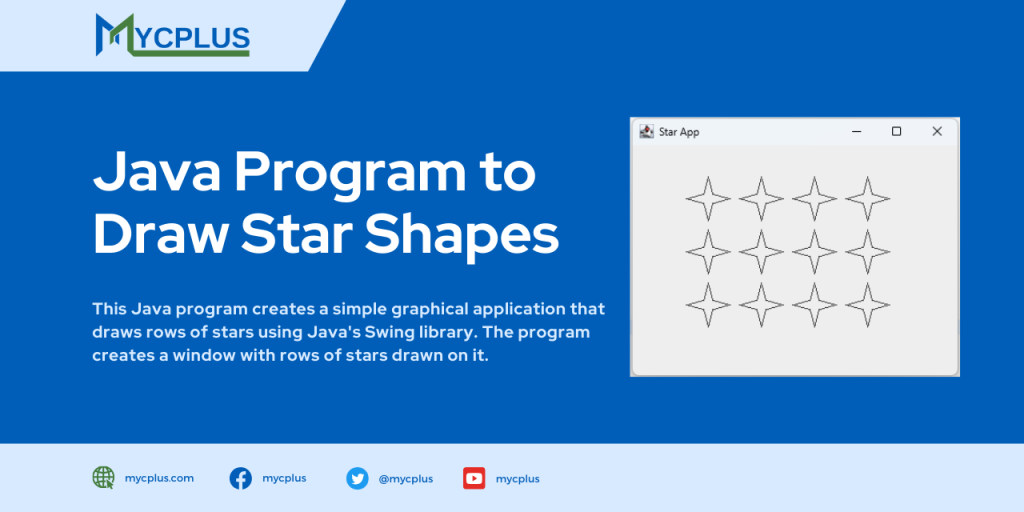
Java Program to Draw Star Shapes

This Java program creates a simple graphical application that draws rows of stars using Java’s Swing library. The program creates a window with rows of stars drawn on it. The Star class defines the shape of a star, the StarPane class handles the drawing logic, and the StarApplet class sets up the main frame for the application. This example showcases basic GUI programming with Swing.

Simple Image Viewer in Java with Swing

Simple Image Viewer in Java with Swing

This Java program is a simple image viewer application designed for novice Java programmers. The program utilizes the Swing library to create a graphical user interface (GUI) with a JFrame, JPanel, and JButton components. The main functionality of the Java program is to select an image file through a JFileChooser dialog, load the selected image and display it within the JPanel.

Find Words Frequency in a Text File using Java

Find Words Frequency in a Text File using Java

The program demonstrates sorting techniques by sorting a list of words based on their frequency count. Novice programmers can learn about basic file handling, data structures, generics, and sorting algorithms through this program, gaining foundational knowledge applicable to a wide range of Java applications.

Interactive Java Stopwatch Component

Interactive Java Stopwatch Component

The StopWatch class introduces a versatile stopwatch component with enhanced functionality in Java. Extending JLabel and implementing the MouseListener interface, this interactive component not only measures elapsed time but also dynamically updates to display the current time in the format “Hours:Minutes:Seconds:Milliseconds”.

Simple Mouse Tracker GUI using Java Swing

Simple Mouse Tracker GUI using Java Swing

This Java source code defines a simple mouse tracking program using Swing which is a graphical user interface toolkit. The program displays a window with a drawing surface that captures and visualizes various mouse events. The mouse’s current coordinates, modifier keys (Shift, Control, Meta, and Alt), and the type of the most recent mouse event are displayed in real-time on the window.

Scroll to Top