Programming Tutorials — C, C++, C#, Java, JavaScript, Python, PHP, and Game Development

Flat illustration of a desktop workspace featuring a monitor displaying structured code icons representing computer programming tutorials

Programming powers modern technology — from desktop software and websites to mobile apps, games and enterprise systems. Strong programming skills remain essential for developers, students and technology professionals building modern digital solutions.

MYCPLUS has been publishing programming tutorials, source code examples and practical development guides since 2004. This programming hub brings together tutorials for C, C++, C#, Java, JavaScript, PHP and Python, along with game development and real-world coding examples designed for hands-on learning.

You will find beginner-friendly programming tutorials, practical source code examples and advanced development guides covering object-oriented programming, debugging, modern programming techniques and professional software development practices. Whether you are learning your first language, improving coding skills or exploring modern development technologies, this section provides structured resources for real-world programming and software engineering.

What You’ll Learn:

  • C programming fundamentals — variables, functions, pointers, memory management, file handling and procedural programming concepts
  • Modern C++ development — object-oriented programming, STL, templates, smart pointers, lambda expressions and advanced C++ features
  • Python programming — scripting, automation, data processing, application development and beginner-friendly programming concepts
  • Java and C# development — object-oriented design, application architecture and enterprise programming fundamentals
  • JavaScript and PHP programming — web development, frontend and backend programming, dynamic applications and interactive user experiences
  • Game development programming — graphics programming, game engines, real-time systems and practical game development concepts using C and C++

Why MYCPLUS: One of the web’s longest-running programming resources — trusted since 2004 with hundreds of tutorials, practical coding guides, source code examples and developer learning resources designed for real-world programming skills.

Moving ball applet – Java

This is a Java class that uses some trigonometry and vector mathematics in its implementation.  An object of type MovingBall holds data about a “ball” that has a color, radius, position, speed, and direction. The ball is restricted to moving around inside a rectangle in the xy-plane. The ball can draw itself in a graphics context and will move when it is told to move.
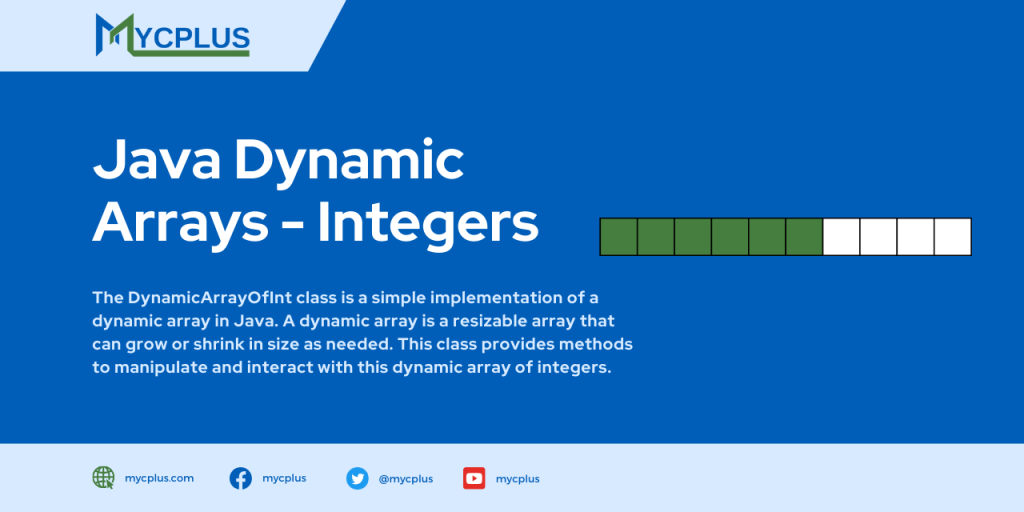
Java Dynamic Arrays - Integers

Java Dynamic Arrays – Integers

The DynamicArrayOfInt class is a simple implementation of a dynamic array in Java. A dynamic array is a resizable array that can grow or shrink in size as needed. This class provides methods to manipulate and interact with this dynamic array of integers. In the constructor, initially the data array has a size of 1 and grows as necessary.

Text Tool

Text Tool [code=’java’]/******************************************************* * MYCPLUS Sample Code – https://www.mycplus.com * * * * This code is made available as a

astrological_sign

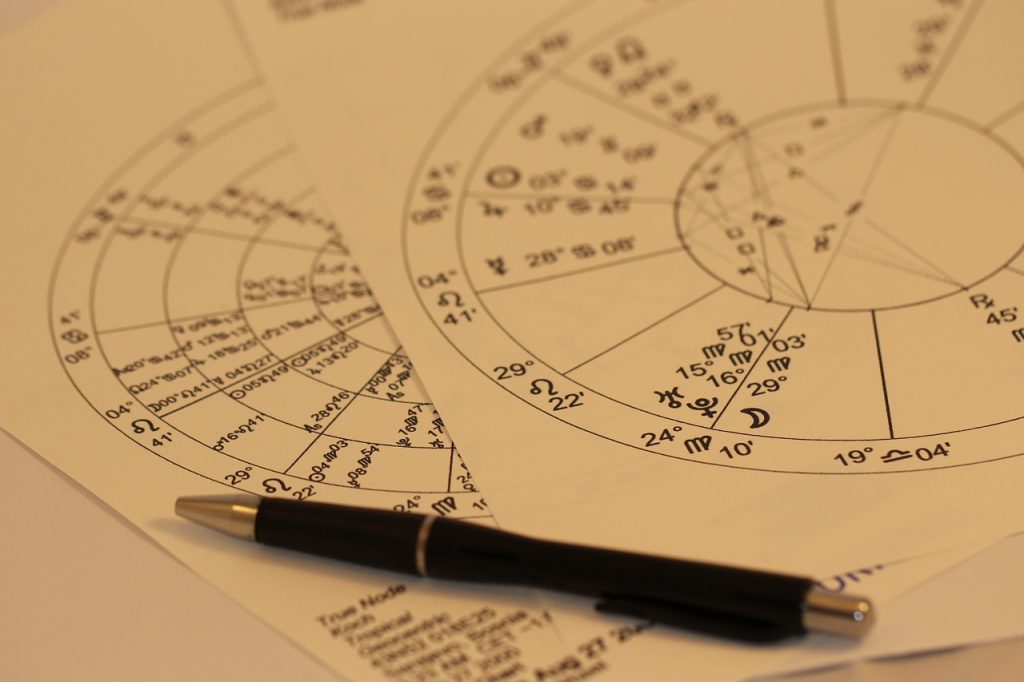
Ouputs the Zodiac signs

The following Java program shows the Zodiac sign corresponding to a given date. This little program can be used to find your Zodiac sign if you input your date of birth.

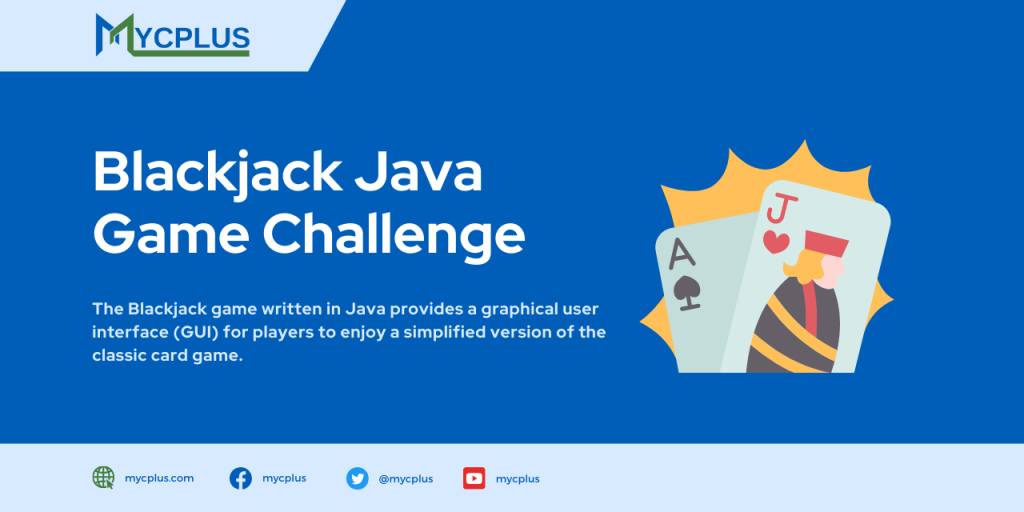
Blackjack Java Game Challenge

Blackjack Java Game Challenge

The Blackjack game written in Java provides a graphical user interface (GUI) for players to enjoy a simplified version of the classic card game. Upon starting the game, players are dealt an initial set of two cards each, and the goal is to build a hand with a total value as close to 21 as possible without exceeding it. The game features a deck of standard playing cards, including numbered cards, face cards (King, Queen, Jack), and Aces, each contributing their respective values to the hand.

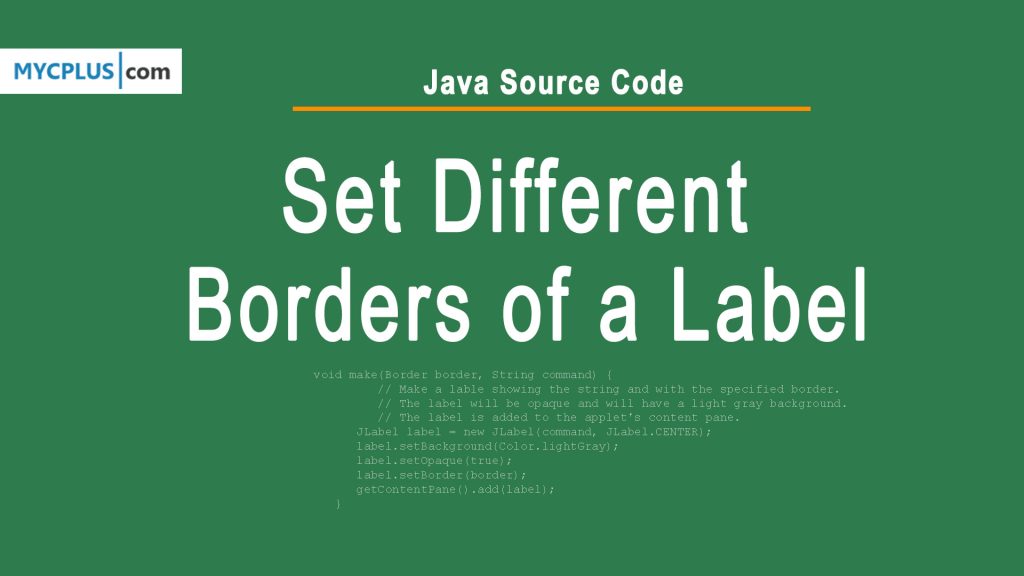
Java - Set Different Borders of a Label

Java Source Code: Create Different Borders of a Label

This is a Java source code for a simple graphical application that demonstrates how to use various types of borders in Swing, a Java GUI toolkit. The program defines a class BorderDemo that extends JApplet, a Swing component used for embedding a Java application in a web page or other container.

mycplus

A Java Application for Two-Way Chatting

This Java Code supports two-way chatting between users. It implements a client for the ConnectionBroker server, which can set up a relayed connection between a pair of such clients. There are really two functions: The user can register with the server as a client who is willing to accept a connection, or the user can make a connection with one of the clients who is waiting on the server. The code retrieves and displays a list of waiting clients when it starts. There is a Refresh button that the user can click to refresh this list (since the list of waiting clients can change from time to time).

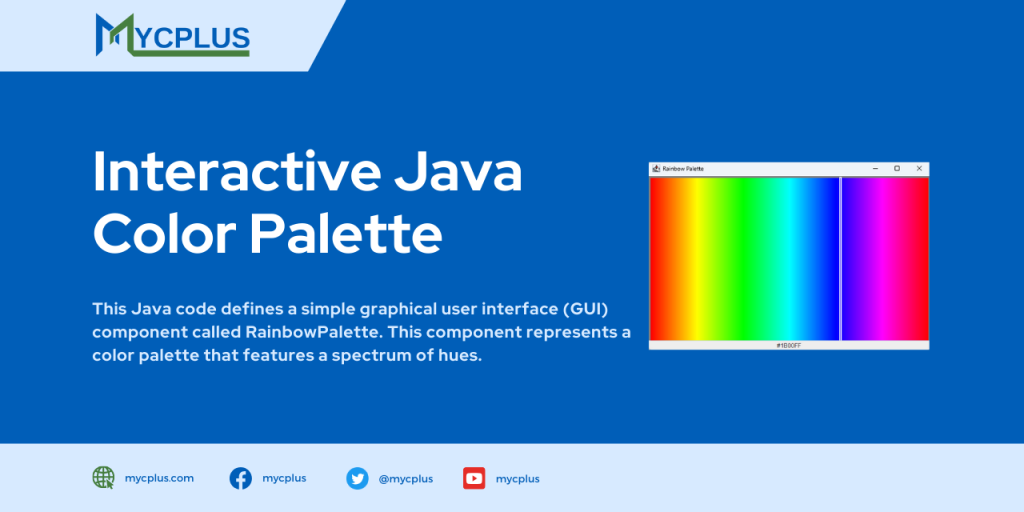
Interactive Java Color Palette: Select and Display HEX Color Values

This Java code defines a simple graphical user interface (GUI) component called RainbowPalette. This component represents a color palette that features a spectrum of hues. Users can interact with the palette by clicking on different colors, and the selected color’s HEX value is displayed in a text box below the palette.

Java Swing GUI

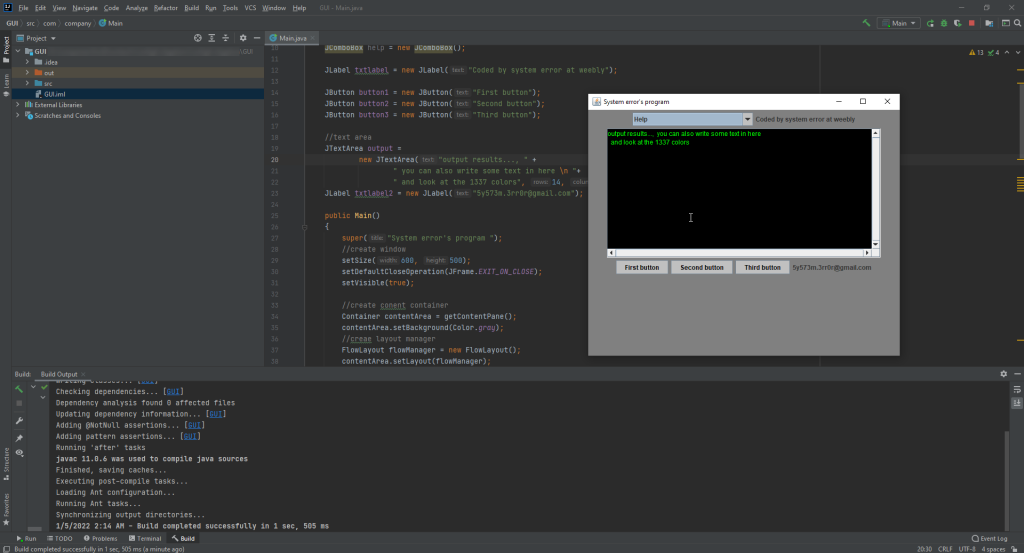
Java Swing GUI Example Program

This Java source code is an example of a Graphical User Interface (GUI) with different GUI elements such as TextBox, Buttons, TextArea, Text Area and Labels. It is implemented using Java Swing API which provides a set of “lightweight” (all-Java language) components. This code example extends the functionality of JFrame class to show a JFrame window and Implements ActionListener on buttons to catch the click event on those buttons.

Java Calculator Program with GUI

Java Calculator Program with AWT and Swing Based GUI

This Java source code implements a basic calculator with a graphical user interface (GUI) using AWT and Swing. The program is structured in a way that makes it suitable for novice programmers to understand and learn about GUI development in Java. It serves as an excellent starting point for those looking to explore basic GUI applications and understand the principles of event-driven programming.

Scroll to Top