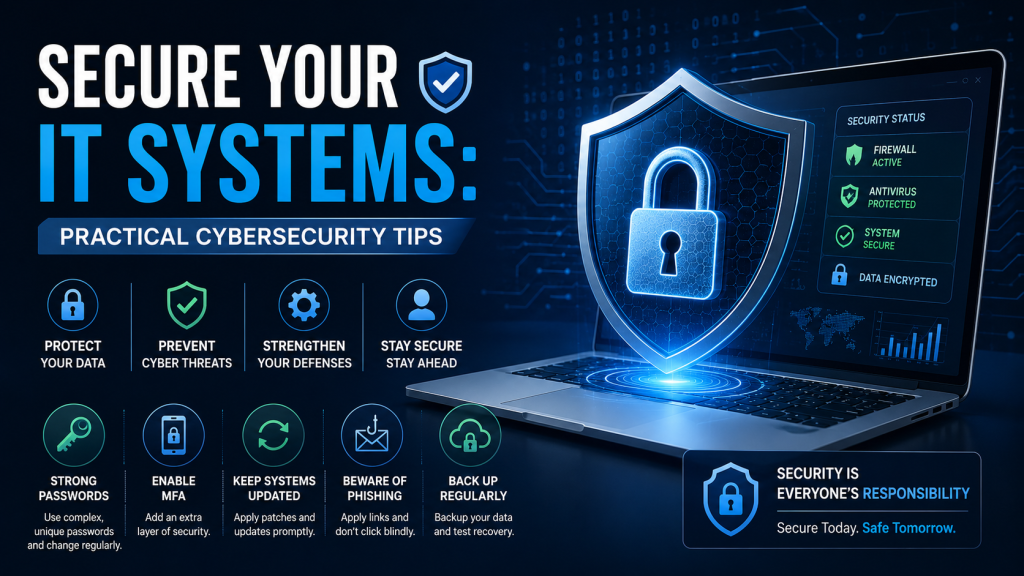
Whether you run a large enterprise, a small business, or even a home server, securing your IT systems is no longer optional. Cyber threats are evolving rapidly, and hackers are becoming more sophisticated every year. Without the right protection in place, your sensitive data, customer information, and business operations could all be at risk.
From malware and ransomware attacks to unauthorized access and data breaches, modern cybersecurity challenges require a proactive approach. The good news is that improving your IT security does not always require expensive enterprise solutions. By implementing a few essential security practices, you can significantly reduce your risk and protect your systems more effectively.
In this guide, we explore some of the most effective ways to secure your IT systems and improve your overall cybersecurity posture.
Why IT System Security Matters
Cybersecurity incidents can lead to:
- Financial losses
- Data theft
- Downtime and productivity issues
- Reputation damage
- Legal and compliance risks
Businesses of all sizes are targets for cybercriminals. In fact, small businesses and home networks are often targeted because they typically have weaker security measures in place.
A strong IT security strategy helps protect your systems, networks, applications, and data from unauthorized access and malicious attacks.
1. Install Reliable Anti-Virus and Anti-Malware Software
Anti-virus software is one of the most basic yet essential layers of cybersecurity protection. Every computer, laptop, smartphone, and server connected to the internet should have reliable anti-virus and anti-malware software installed.
Modern anti-virus solutions can:
- Detect and block malware
- Prevent ransomware infections
- Identify phishing attempts
- Scan downloaded files and email attachments
- Monitor suspicious activity in real time
Most security providers offer different subscription levels depending on:
- Number of devices
- Business or personal use
- Advanced security features
- Cloud protection and backup options
When choosing an anti-virus solution, compare features carefully rather than simply selecting the cheapest option. Look for software that offers real-time protection, automatic updates, firewall integration, and ransomware defense.
Best Practices for Anti-Virus Protection
- Keep your anti-virus software updated
- Schedule regular system scans
- Enable automatic threat detection
- Use centralized protection for company networks
- Avoid downloading software from untrusted sources
Remember, anti-virus software is your first line of defense — but it should never be your only security measure.
2. Monitor Your IT Systems Regularly
Many organizations make the mistake of installing security software and assuming their systems are fully protected. Effective cybersecurity requires continuous monitoring.
Regularly monitoring your IT infrastructure helps you identify:
- Unusual login activity
- Unauthorized access attempts
- Malware infections
- Performance issues
- Suspicious network traffic
- Server failures or configuration problems
If you manage servers, reviewing server logs is especially important. Logs provide valuable insight into system activity and can help detect security threats before they become serious problems.
What Should You Monitor?
Key areas include:
- Server logs
- Network traffic
- User login activity
- Firewall alerts
- Application performance
- Failed authentication attempts
For businesses without a dedicated IT department, managed IT security services can provide professional monitoring and threat detection. Outsourcing cybersecurity monitoring can help reduce risk while allowing your team to focus on core business operations.
3. Use Biometric Authentication for Added Security
Biometric authentication adds an additional layer of protection to devices and systems. Instead of relying only on passwords, biometric systems use unique physical characteristics such as:
- Fingerprints
- Facial recognition
- Retina scans
- Voice recognition
Biometric login systems can help prevent unauthorized access if a device is lost or stolen.
However, biometric authentication should complement — not replace — other cybersecurity measures. Strong passwords, multi-factor authentication (MFA), and endpoint security are still necessary.
Benefits of Biometric Security
- Faster and more convenient login process
- Reduced risk of password theft
- Improved device security
- Enhanced user authentication
For businesses handling sensitive information, combining biometrics with MFA creates a much stronger security framework.
4. Enable Multi-Factor Authentication (MFA)
Passwords alone are no longer enough to secure modern IT systems. Multi-factor authentication adds a second verification step before users can access accounts or systems.
This additional layer may include:
- A one-time code sent to a phone
- Authentication apps
- Hardware security keys
- Fingerprint or facial recognition
Even if a password is compromised, MFA significantly reduces the chances of unauthorized access.
Where Should MFA Be Enabled?
Enable MFA on:
- Email accounts
- Cloud storage platforms
- VPN access
- Financial systems
- Administrative accounts
- Remote desktop access
MFA is one of the most effective and affordable cybersecurity improvements any organization can implement.
5. Keep Software and Operating Systems Updated
Outdated software is one of the most common causes of cybersecurity vulnerabilities. Software updates often contain critical security patches that fix known exploits.
Cybercriminals actively target systems running outdated applications or operating systems.
Update These Regularly
- Operating systems
- Web browsers
- Server software
- Firewalls
- Anti-virus tools
- Plugins and extensions
Where possible, enable automatic updates to reduce the risk of missing important security patches.
6. Train Employees and Users on Cybersecurity Awareness
Human error remains one of the leading causes of security breaches. Employees and users should understand how to identify and avoid common cyber threats.
Cybersecurity awareness training should include:
- Recognizing phishing emails
- Avoiding suspicious links
- Creating strong passwords
- Safe file-sharing practices
- Reporting suspicious activity
A well-trained team can act as an additional security layer for your organization.
Final Thoughts
Securing your IT systems requires more than simply installing anti-virus software. Effective cybersecurity involves multiple layers of protection, including continuous monitoring, software updates, employee awareness, biometric authentication, and multi-factor authentication.
Whether you are protecting a corporate network or a home server, taking proactive security measures today can help prevent costly cyber incidents in the future.
Cyber threats will continue to evolve, but with the right security strategy in place, you can significantly improve the safety, reliability, and resilience of your IT systems.