
Effective Java 3rd Edition
Written for the working Java developer, Joshua Bloch’s Effective Java Programming Language Guide provides a truly useful set of over […]
Written for the working Java developer, Joshua Bloch’s Effective Java Programming Language Guide provides a truly useful set of over […]
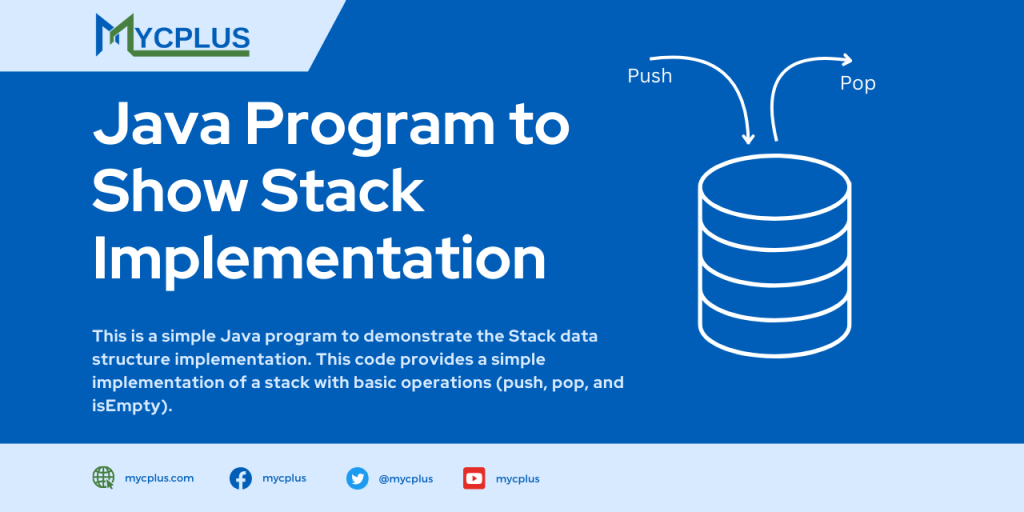
This java code implements stack functionality by using arrays. It can Pop and Push an item in stack with the help of array. The item can only be an integer number and internally the java program uses arrays to maintain items in stack.
This Java program is a simple image viewer application designed for novice Java programmers. The program utilizes the Swing library to create a graphical user interface (GUI) with a JFrame, JPanel, and JButton components. The main functionality of the Java program is to select an image file through a JFileChooser dialog, load the selected image and display it within the JPanel.
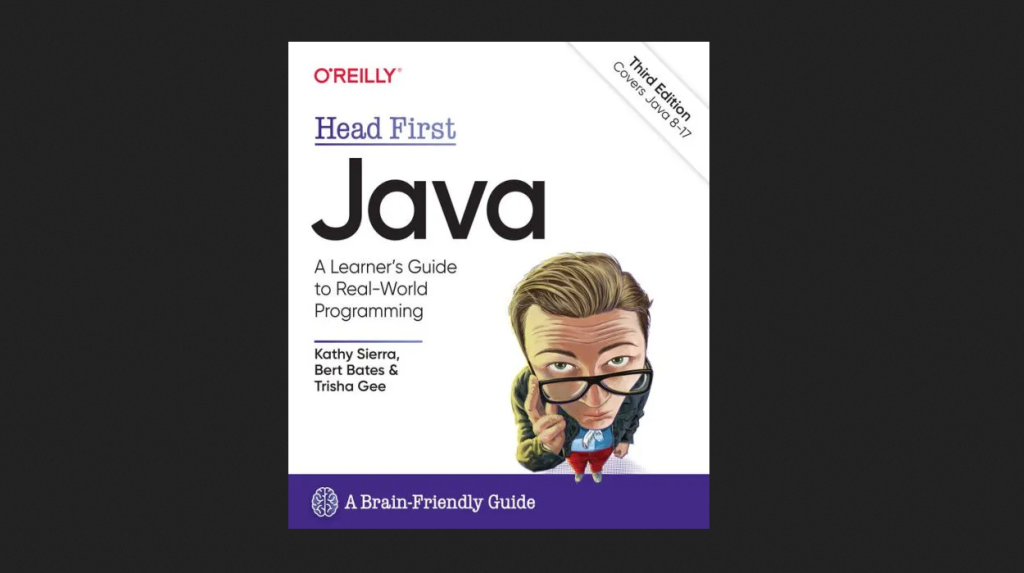
Head First Java is an excellent book, far more capable than any of the scores of Java-for-novices books that have
The seventh edition of Core Java(TM) 2, Volume II, covers advanced user-interface programming and the enterprise features of the Java
Horstmann (San Jose State University) introduces Java’s syntax language, the object-oriented concepts of encapsulation and inheritance, the event model of
Java 2 Micro Edition (J2ME) generally, and classes within it specifically. In addition to an annotated API reference, this book
This book helps experienced Java developers to build high-value mobile applications that take advantage of enterprise IT infrastructures. It also helps developers to add mobility features to existing enterprise solutions. It does not repeat the same basic J2ME/MIDP API tutorial covered by many other books.
This Java Code supports two-way chatting between users. It implements a client for the ConnectionBroker server, which can set up a relayed connection between a pair of such clients. There are really two functions: The user can register with the server as a client who is willing to accept a connection, or the user can make a connection with one of the clients who is waiting on the server. The code retrieves and displays a list of waiting clients when it starts. There is a Refresh button that the user can click to refresh this list (since the list of waiting clients can change from time to time).