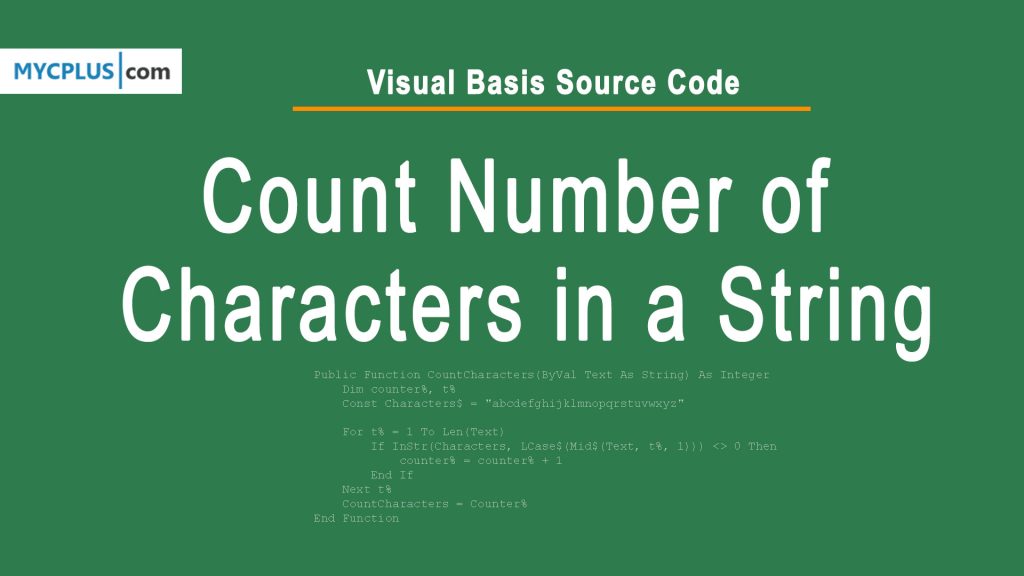
This is a visual basic 6.0 source code to count the number of characters in a string. This function can be useful in Text editors or where you want to tell the user that how many characters have been inputted in the text field. You can also define which characters to count and which do not.
Public Function CountCharacters(ByVal Text As String) As Integer
    Dim counter%, t%
    Const Characters$ = "abcdefghijklmnopqrstuvwxyz"

    For t% = 1 To Len(Text)
        If InStr(Characters, LCase$(Mid$(Text, t%, 1))) <> 0 Then
            counter% = counter% + 1
        End If
    Next t%
    CountCharacters = Counter%
End Function
To count the number of characters in a string using Visual Basic, you can also use the Len function. Here is an example code snippet:
Dim myString as String
myString = "Hello, world!"
Dim stringLength as Integer
stringLength = Len(myString)
MsgBox("The length of the string is " & stringLength)
In this Visual Basic code, the myString variable contains the string you want to count the characters in. The Len function is used to determine the length of the string, which is then stored in the stringLength variable. Finally, a message box is displayed that shows the count of characters in the string.
Note that the Len function counts all characters in the string, including spaces and punctuation. If you want to exclude certain characters from the count, you will need to modify the code accordingly as showing in the first program.