Programing Source Code Examples

Number Shuffling Game

C Program: Number Shuffling Game

This C program is a simple console-based implementation of a number-shuffling game. The game presents a grid of numbers, and the objective is to rearrange them in ascending order. The player can move the numbers by pressing the corresponding number keys, and the game tracks the number of moves taken to complete the puzzle.
Snake Game – C Imlementation

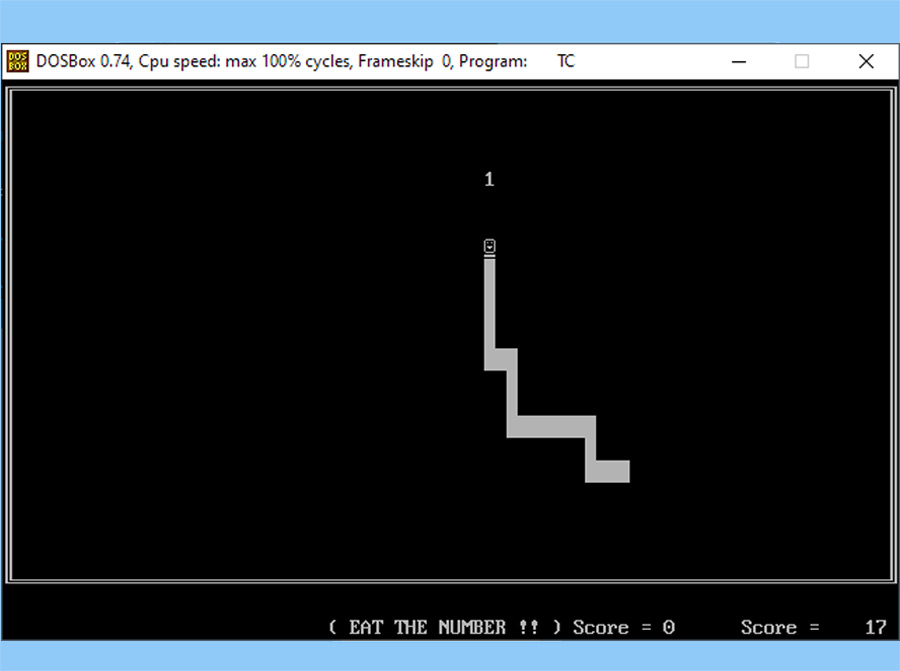
This C program simulates the game “snake” which is usually available in old mobile phones. A string of characters moves on the screen according to arrow keys pressed by user. If it touches itself or screen boundary, the program terminates. When the snake moves, in arbitrary screen positions some digit (1-9) appears. The objective of the game is to make the snake eat the said digit, so that it is added to the score. When a digit is eaten, the size of the snake increases by the number of characters equal to the value of the digit.

Fibonacci Numbers

C Program to show Fibonacci Sequence

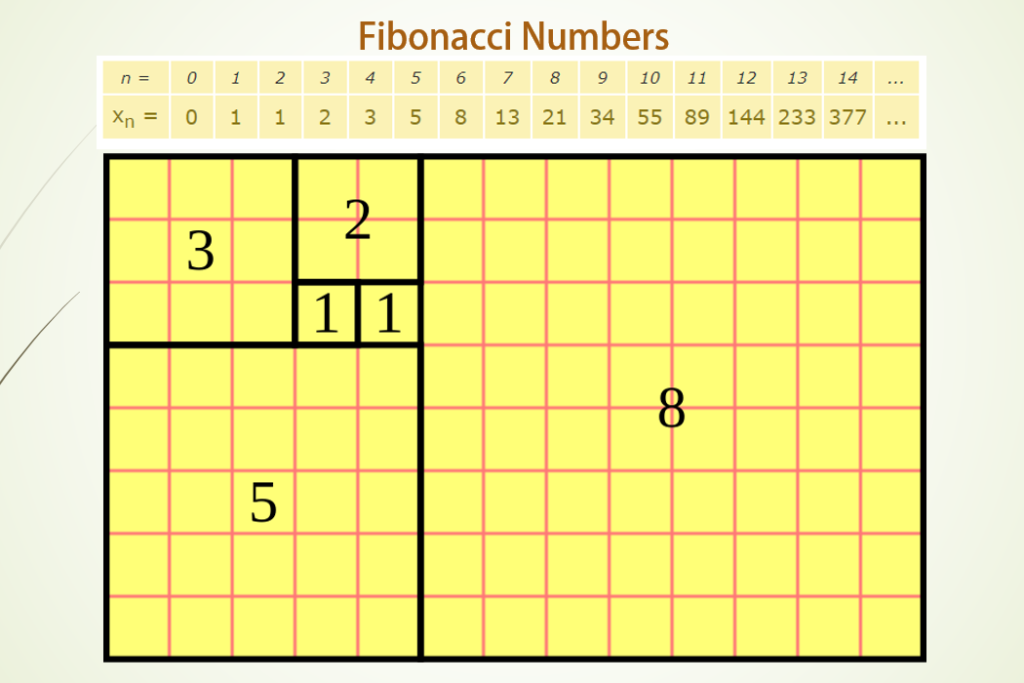
This C program prints out the first Fibonacci series of N numbers. In mathematics, the Fibonacci numbers are a sequence of numbers named after Leonardo of Pisa, known as Fibonacci. The first number of the sequence is 0, the second number is 1, and each subsequent number is equal to the sum of the previous two numbers of the sequence itself, thus creating the sequence 0, 1, 1, 2, 3, 5, 8, etc. The standard form of writing Fibonacci series is:

Datagram Operations using C

Datagram Operations using C

This application demonstrates the various datagram operations possible from NetBIOS. This includes sending and receiving both directed and group datagrams as well as broadcast datagrams.

Simple Image Viewer in Java with Swing

Simple Image Viewer in Java with Swing

This Java program is a simple image viewer application designed for novice Java programmers. The program utilizes the Swing library to create a graphical user interface (GUI) with a JFrame, JPanel, and JButton components. The main functionality of the Java program is to select an image file through a JFileChooser dialog, load the selected image and display it within the JPanel.

Blinker

This script allow you to quickly blink the background. With a click of a button, the background changes from white

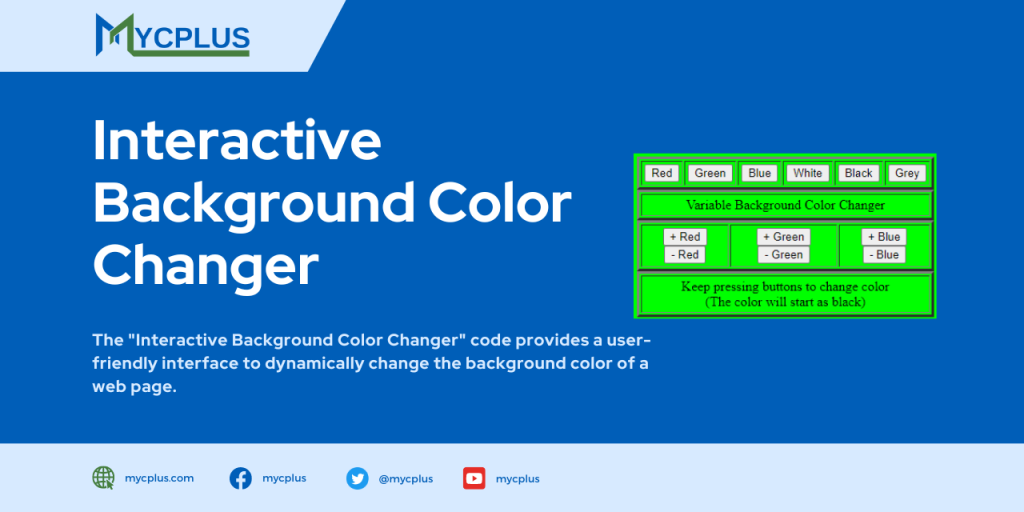
Interactive Background Color Changer

JavaScript – Interactive Background Color Changer

The “Interactive Background Color Changer” code provides a user-friendly interface to dynamically change the background color of a web page. It includes buttons to select predefined colors such as red, green, blue, white, black, and grey. Additionally, it features buttons to incrementally adjust the RGB (Red, Green, Blue) values of the background color which allow users to create custom colors.

Scroll to Top