Profit/Loss Calculator

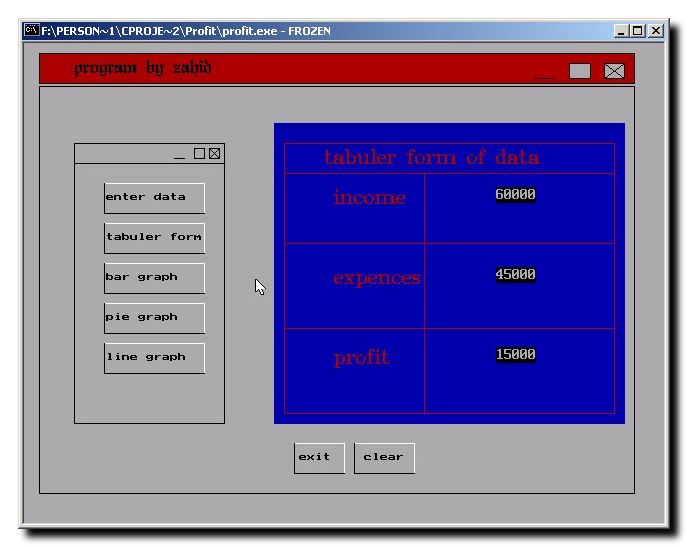
This is a small utility written in C Programming Language to calculate the net income by checking a person’s salary and monthly expenses. On the basis of this information it calculates the loss or profit. It has a nice graphical User Interface with different formats to show the information i.e. Pie Chart: Shows the information in Pie chart with different colors for salary, expenses and net income. Tabular: Show all the information in tabular form. Bar Graph: Shows the information in Bar Graph with different colors for salary, expenses and net income.

Text editor

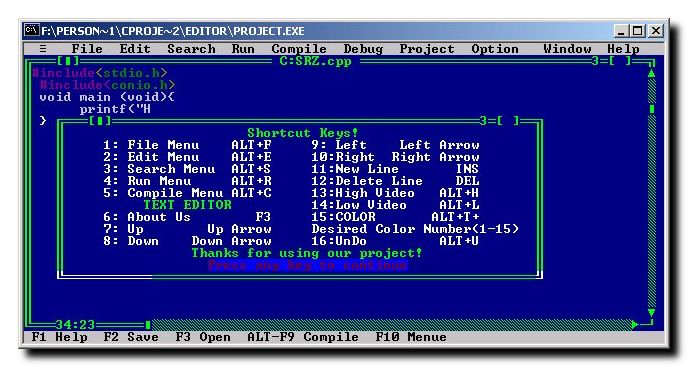
This program is written in pure C programming language. The interface of the C program is just like Turbo C/C++ compiler like interface, and it also provides some dialog boxes same like the Turbo C/C++ compiler. It has menus just like C/C++ compiler, text formatting options and also provides options to change font color.

Search Engine Marketing

Search Engine Marketing

There are a lot of things involved with search engine marketing. It is not hard to learn the skills & techniques in Search Engine Marketing. And once well-read, search engine marketing can provide a successful technique of driving highly targeted visitors to your web site or blog.

Lame – MP3 Encoding Software

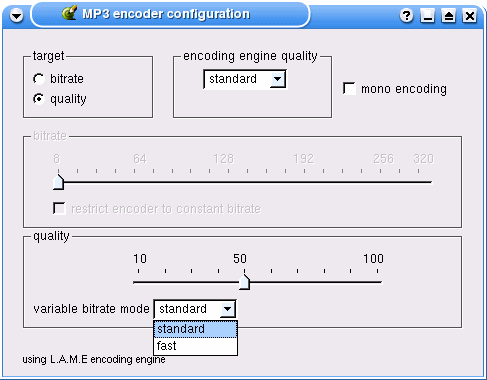
LAME is an educational software used for learning about MPEG Audio Layer III (MP3) encoding. The goal of the LAME project is to use the open source model to improve the psycho acoustics, noise shaping and speed of MP3. LAME is distributed as source code only.

Transitioning from C to C++

Transitioning from C to C++: A Quick Guide for Novice Programmers

As we begin the study of C++ and object oriented programming, a few comments are in order to help you get started. Since the field of object oriented programming is probably new to you, you will find that there is a significant amount of new terminology for you to grasp. This is true of any new endeavor and you should be warned not to be intimidated by all of the new concepts.

Working with Namespaces in C#

Every application begins with a namespace in C# .NET that has the same name as the project. Of course, you can change the namespace to anything you like in order to maintain compatibility with other projects. For example we declared namespace Mycplus.CSharpBasics while taking an Overview of C#. We can write the whole application with in one namespace or we can declare multiple namespaces as needed in our project. The general syntax of declaring a namespace is

Scientific Calculator - C Implementation

Scientific Calculator Program

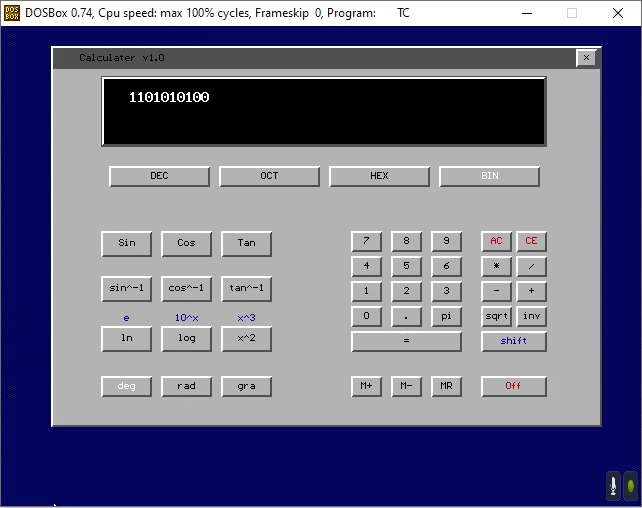
This graphical scientific calculator purely written in C programming language. It uses small functions to draw buttons on the screen and perform scientific operations like conversion, logarithm, and other operations. Every operation can be performed using the mouse buttons as well as keyboard. It can perform almost all the functions shown on the screen except few functions which will be implemented in the next version of this calculator code.

Predefined Datatypes in C#

Predefined Datatypes in C#

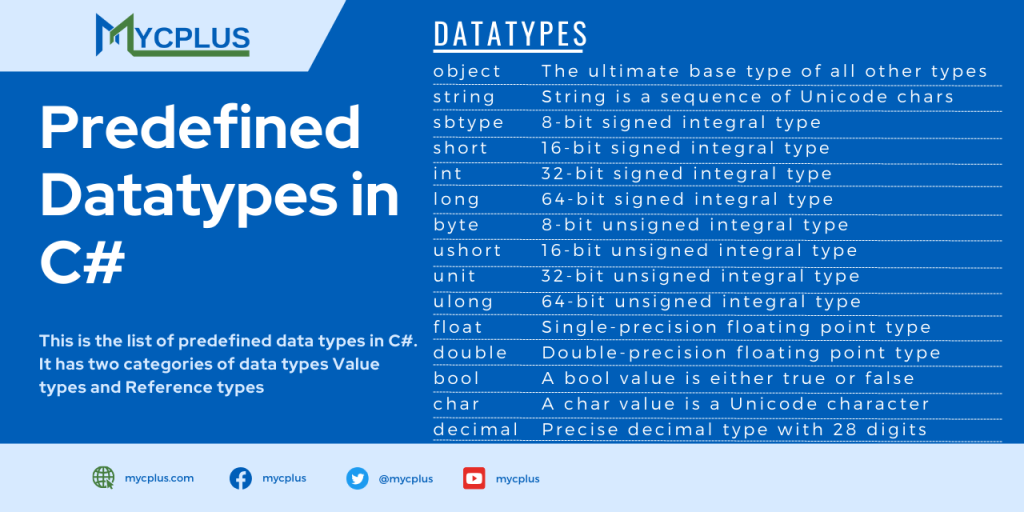
Here we will see the data types available in C#. Before examining the data types in C#, first we will try to understand the C# have two categories of data types. Value types and Reference types. Value type data type is that which stores the value directly in the memory. Its just like int, float and double. But reference types variables only store the reference of the memory where the actual value is.

Scroll to Top